Open the notes you need. Existing links still lead to their section.
Turn a map lookup into your next step
| Your task | Continue with | What you can do on this site |
|---|---|---|
| Compare in-game map views | Terrain and travel layers, position estimates or OpenMap version checks | Distinguish a missing floor image, a quest pin and actual character progress. |
| Prepare a boat journey | Boat connections, then the Riverglades guide | Separate the announced connection from boarding details that still need checking. |
| Plan a journey from a point on the map | Community navigation checks | Check the client file, report age and learned flights before following a suggested route. |
| Prepare for Darkspear Islands | Objectives and queue checks | Read the four-base and central-flag rules, then check an announced queue option in your client. |
| Compare running and riding | October 26 movement changes | Check Tauren running and Skyborne burst conditions before estimating the journey. |
| Compare the cost of a flight | Flight fare comparison | Add separate tickets and distinguish a displayed price from an unmeasured travel time. |
| Prepare a dungeon or raid group | October 20 levels and travel checks, testing history and LFG readiness | Check the activity, prerequisites and meeting landmark before travelling. |
| Check Dalaran city access | Dungeon versus city access | Read the newer official Horde city restriction before planning a stop; dungeon access is separate. |
| Read a map inside a dungeon, including Wetlands | Dungeon floor and route checks | Choose the dungeon and floor, compare missing maps with approximate boss markers, then agree on a starting landmark. |
| Investigate a quest you have not seen before | Quest Tint comparison checklist | Compare quest IDs and client observations without treating a colored label as proof. |
Before planning a journey, check the launch facts: the game launches November 4 at 3:00 p.m. PST, and Blizzard confirmed on October 23 that the beta is closed. The October 9 PAX broadcast window is retained as a schedule archive.
Read the map at the right scale
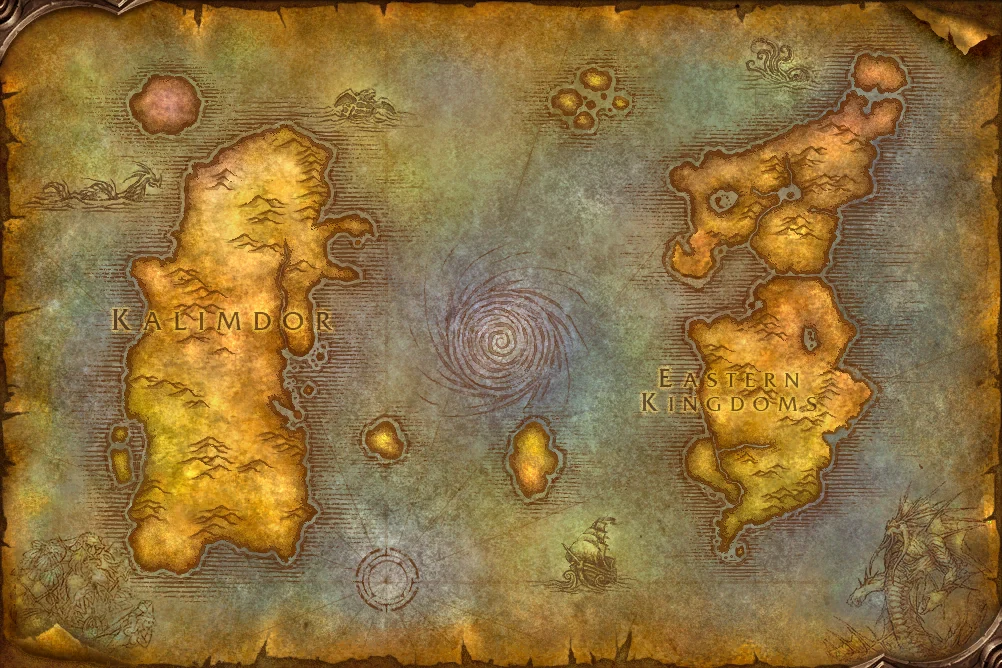
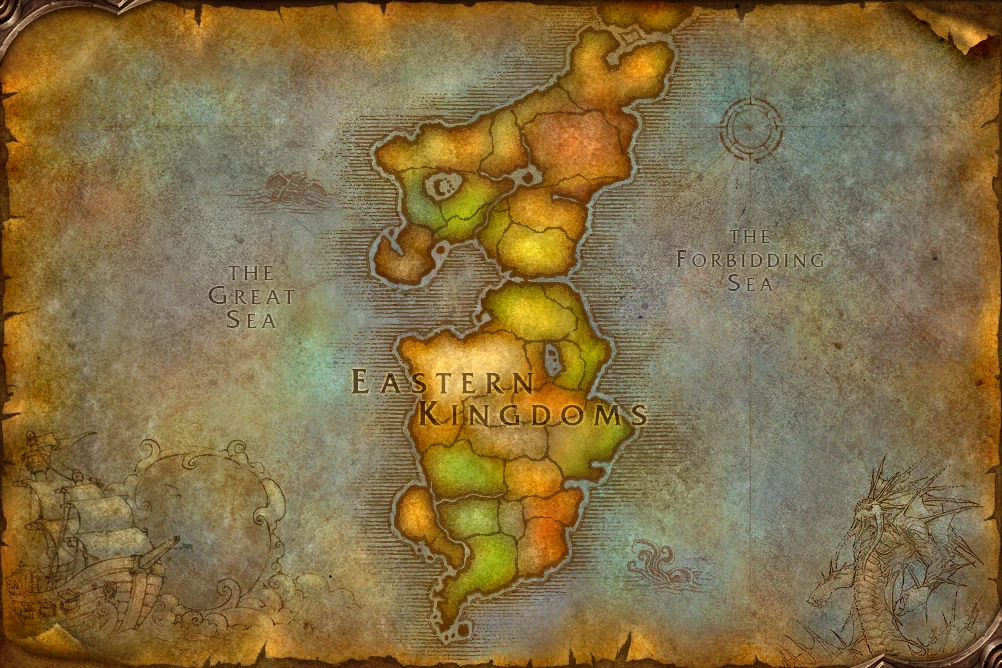
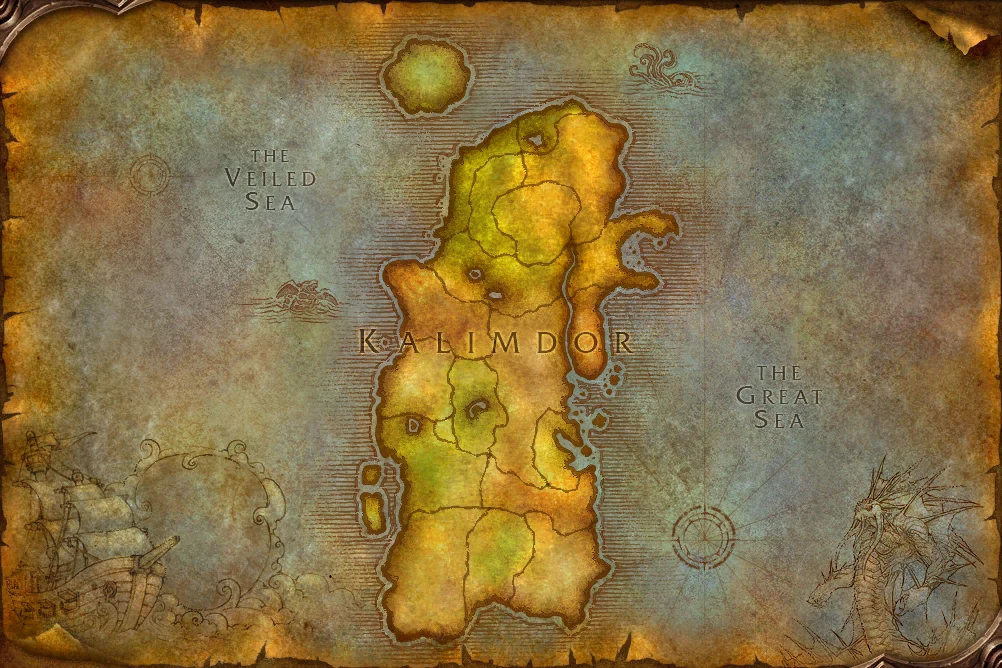
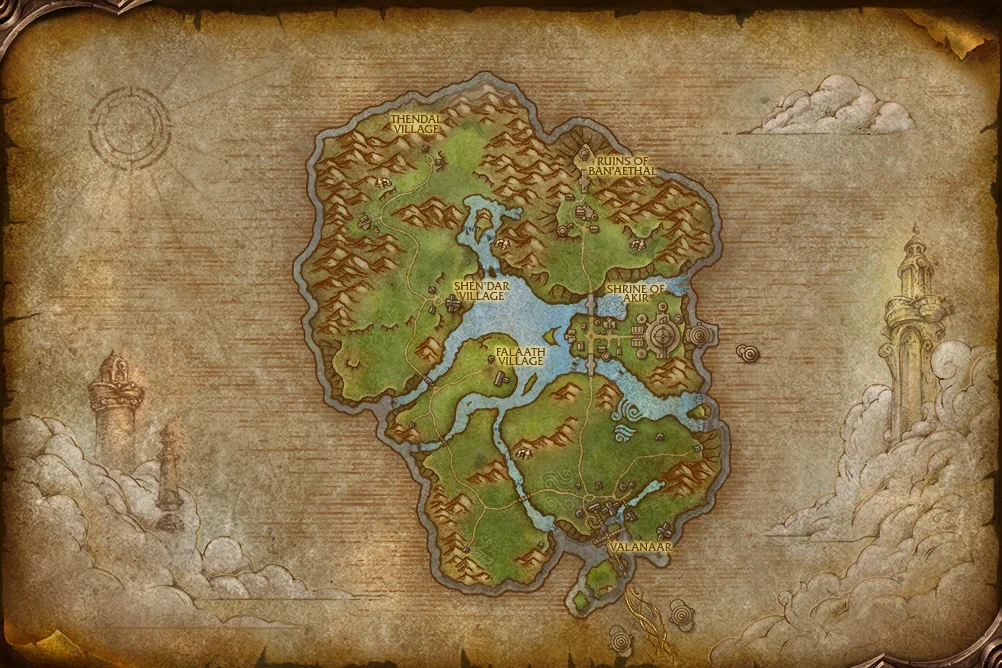
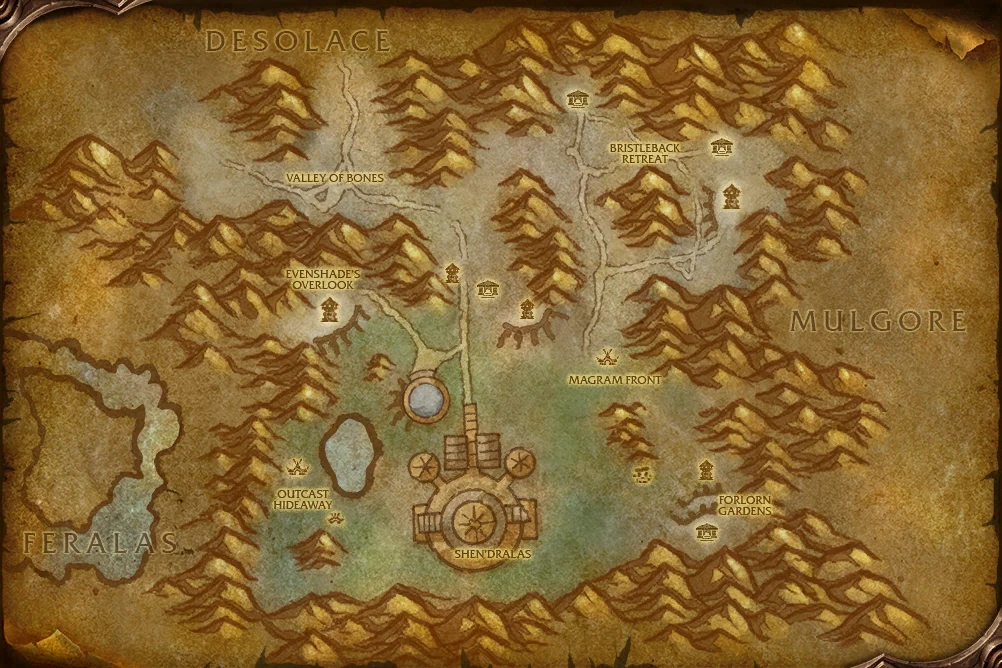
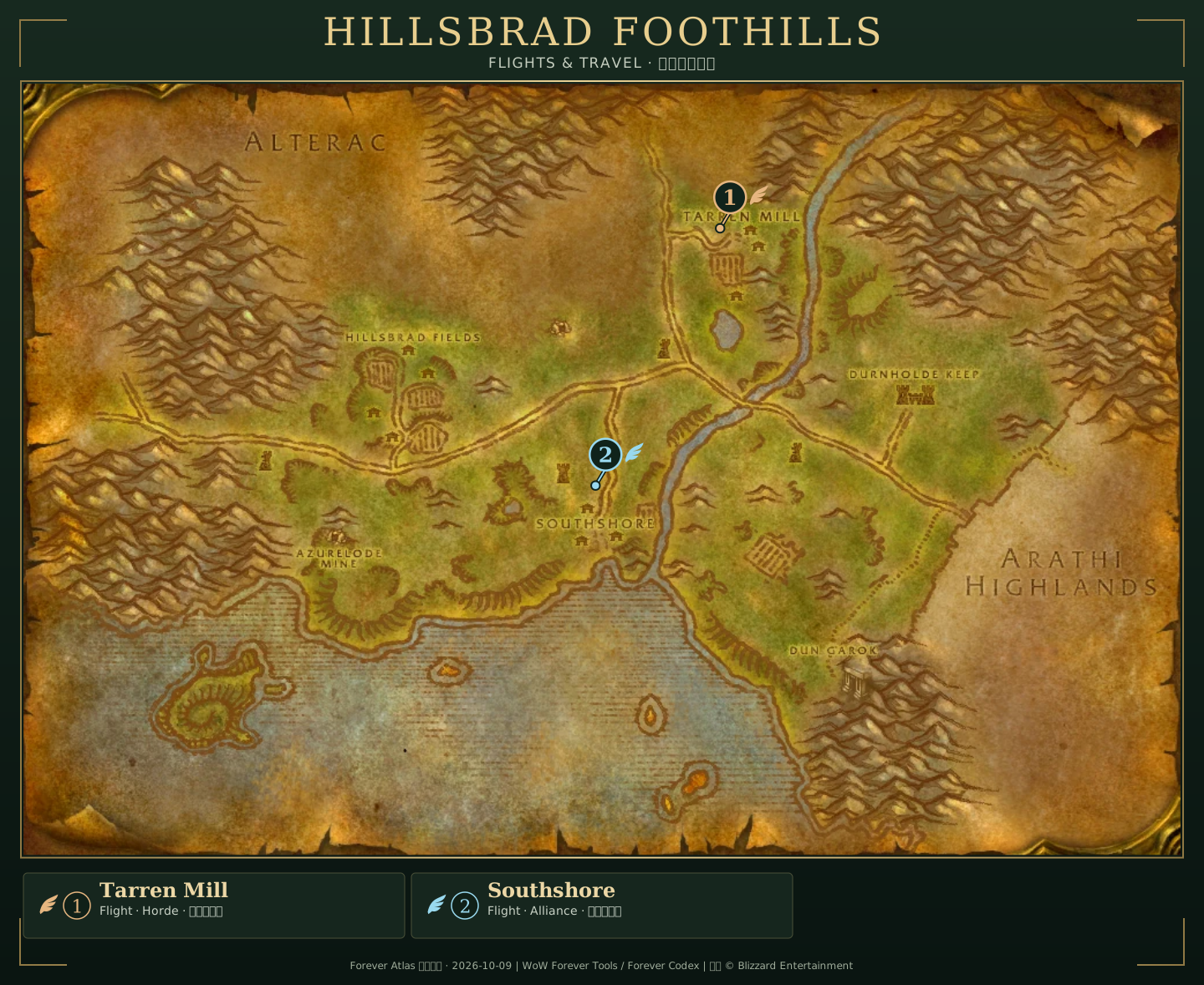
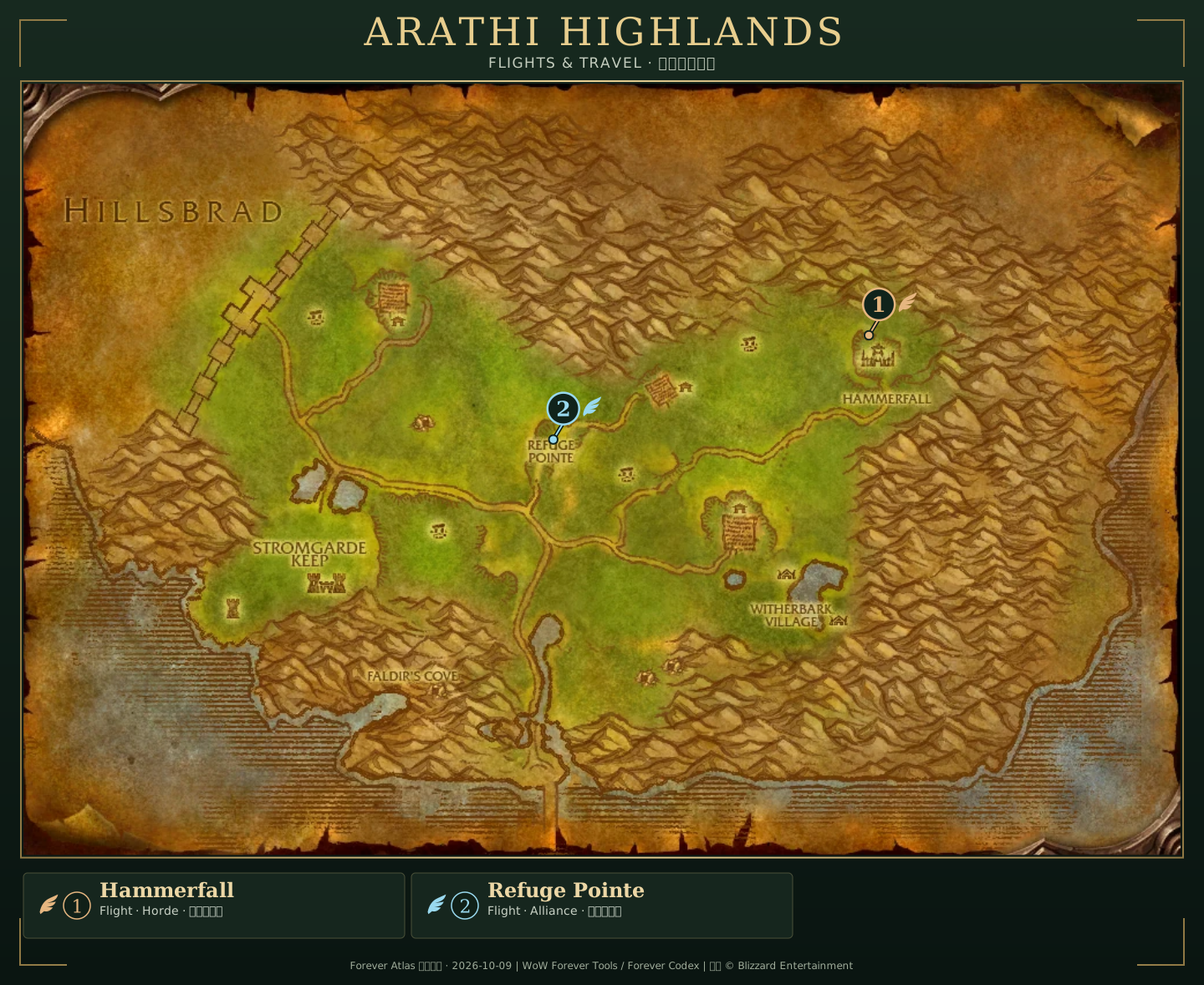
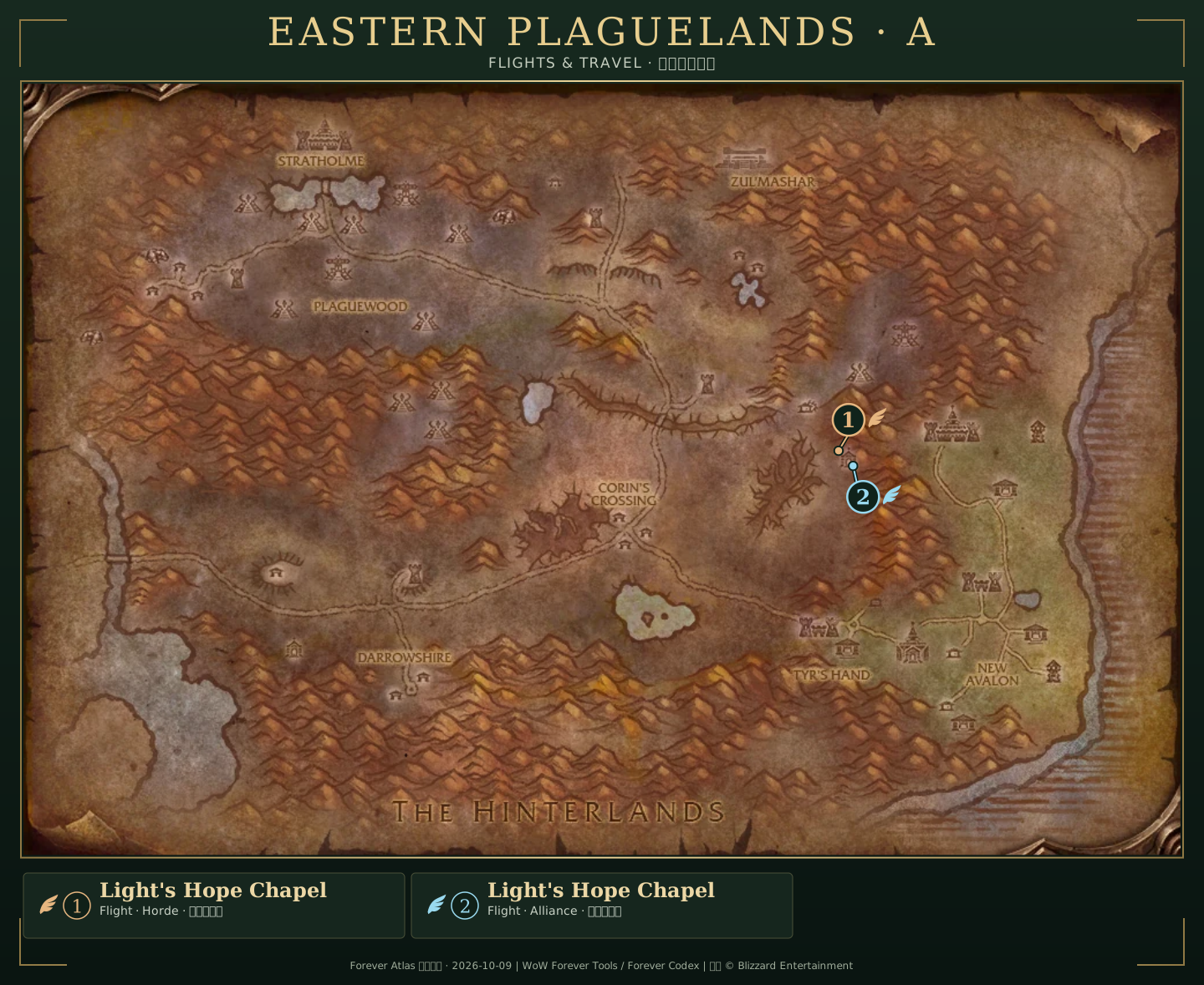
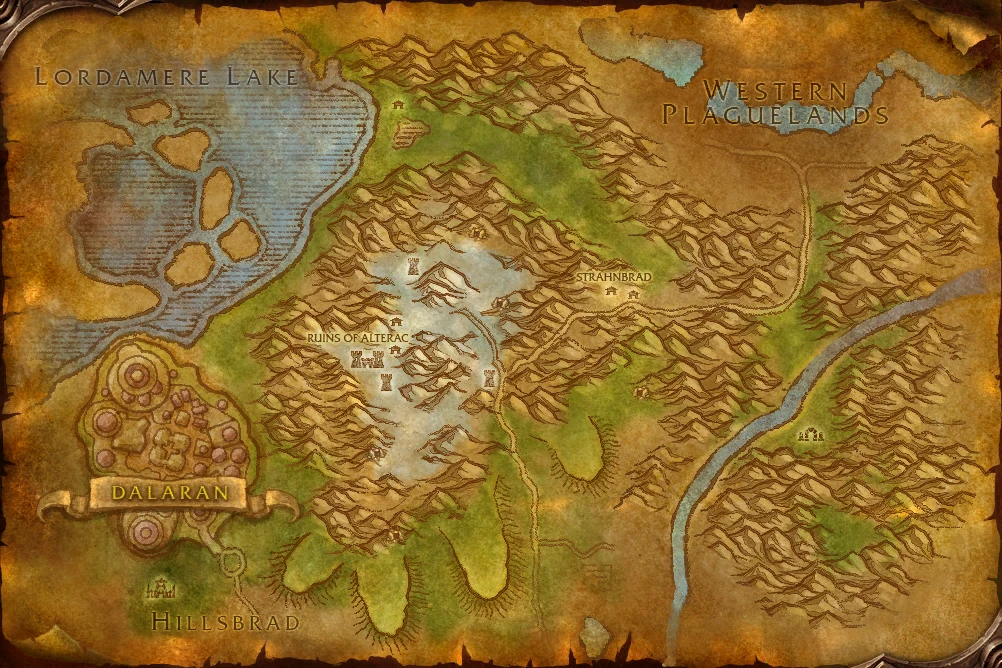
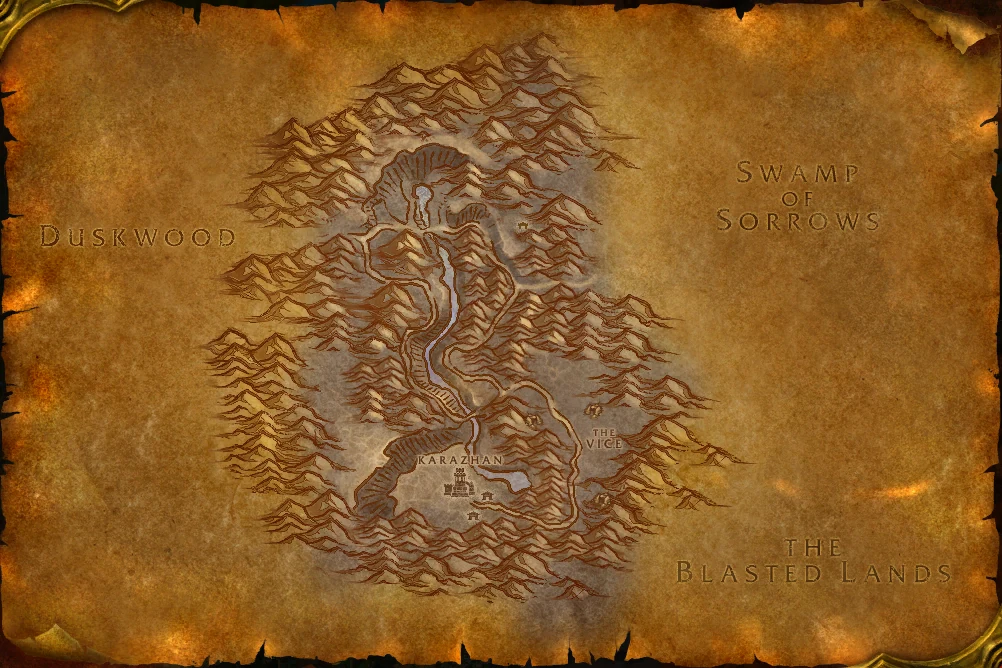
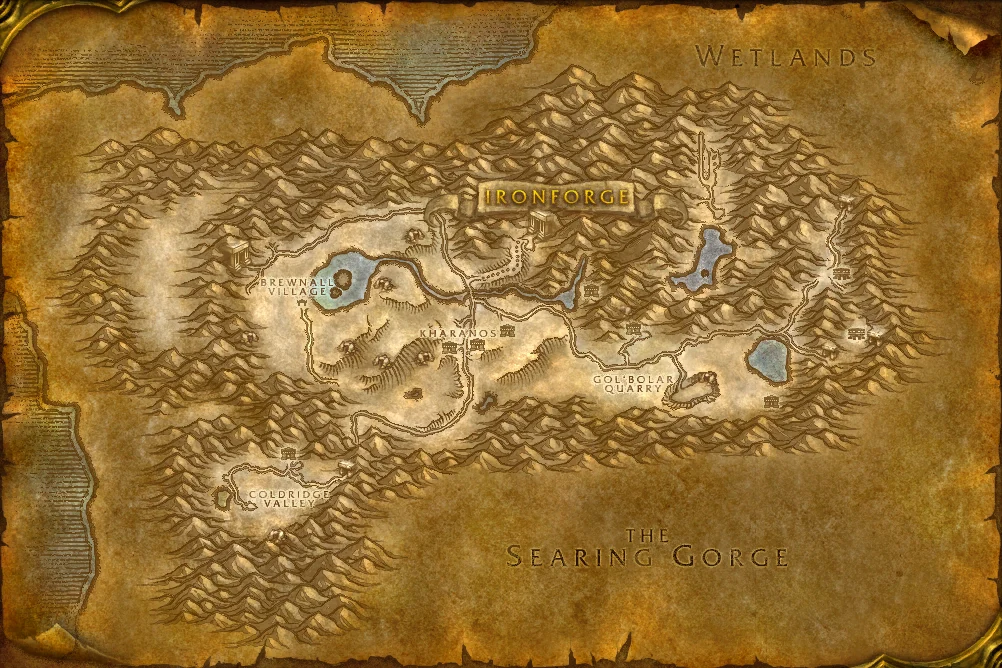
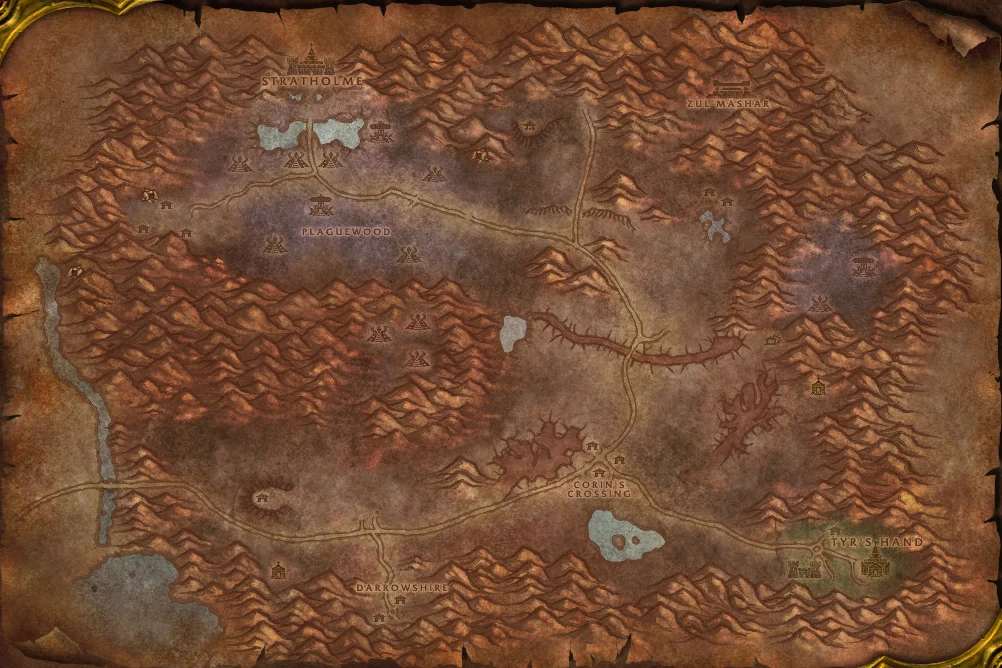
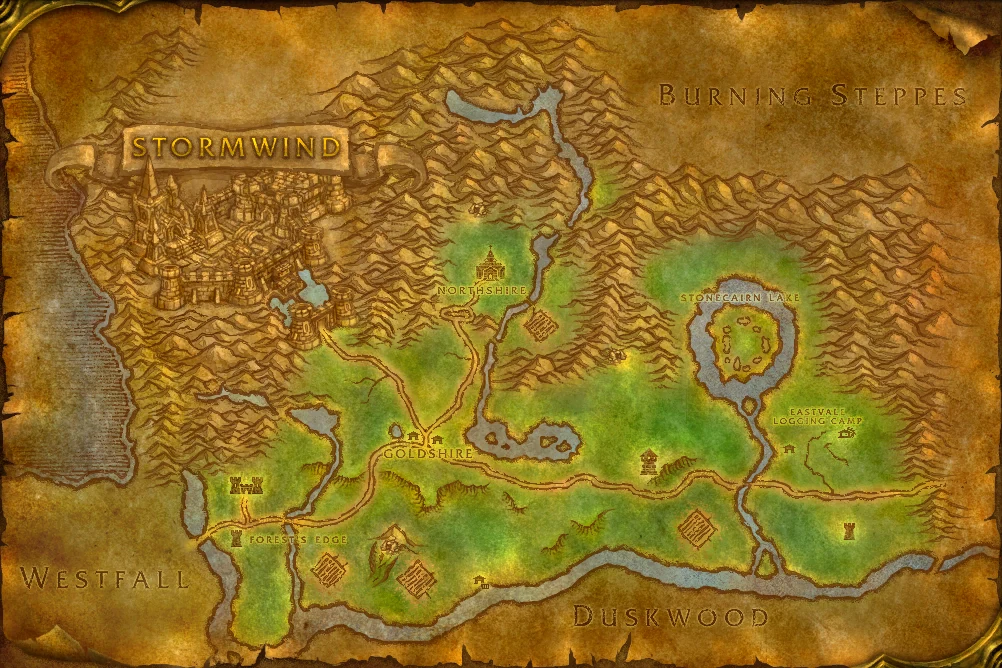
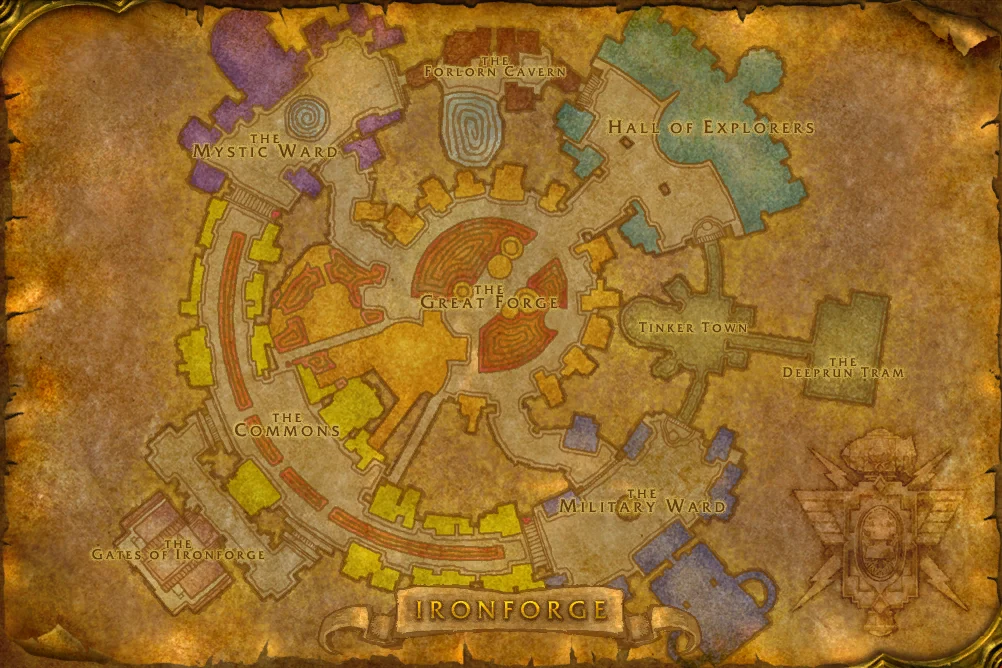
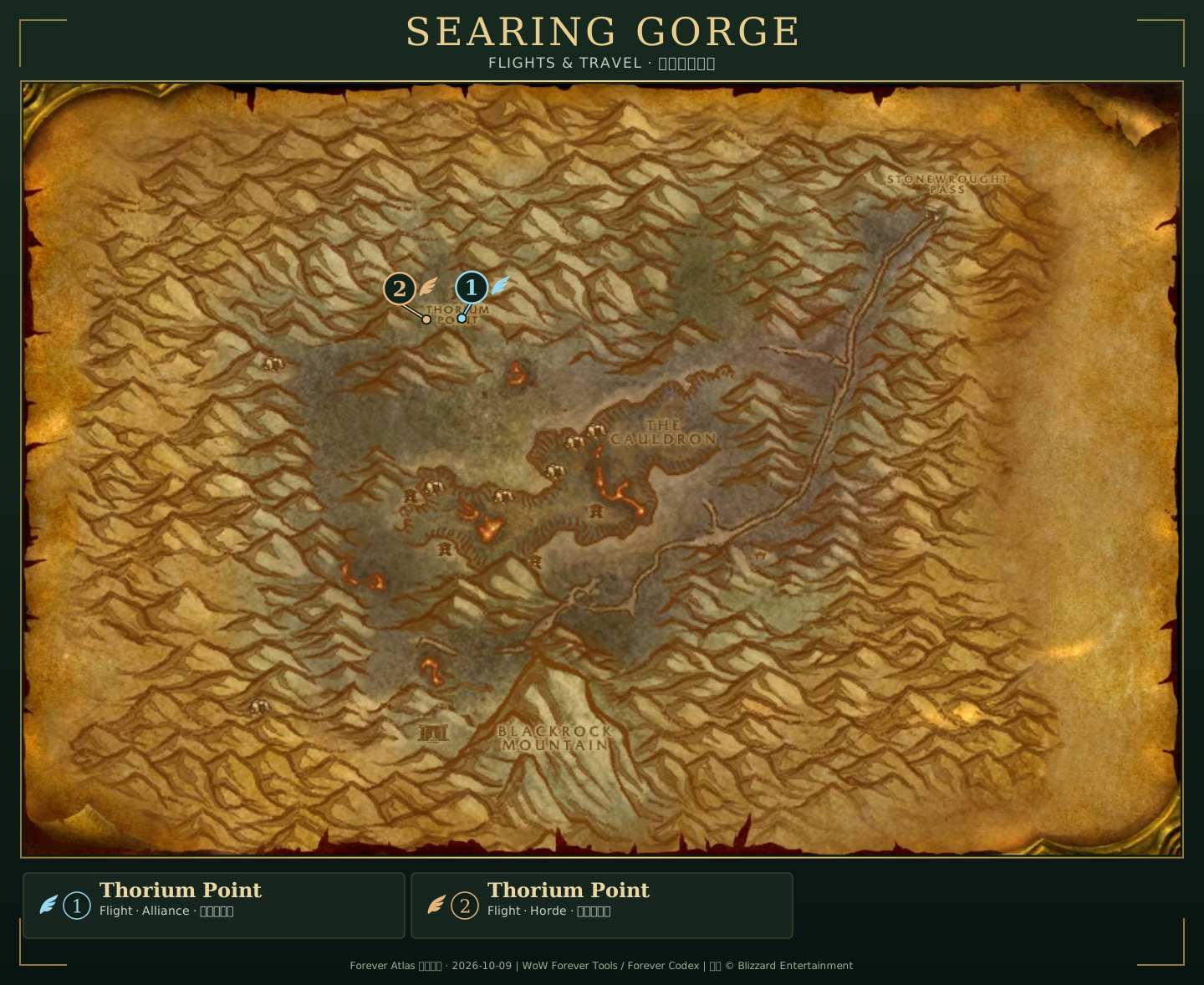
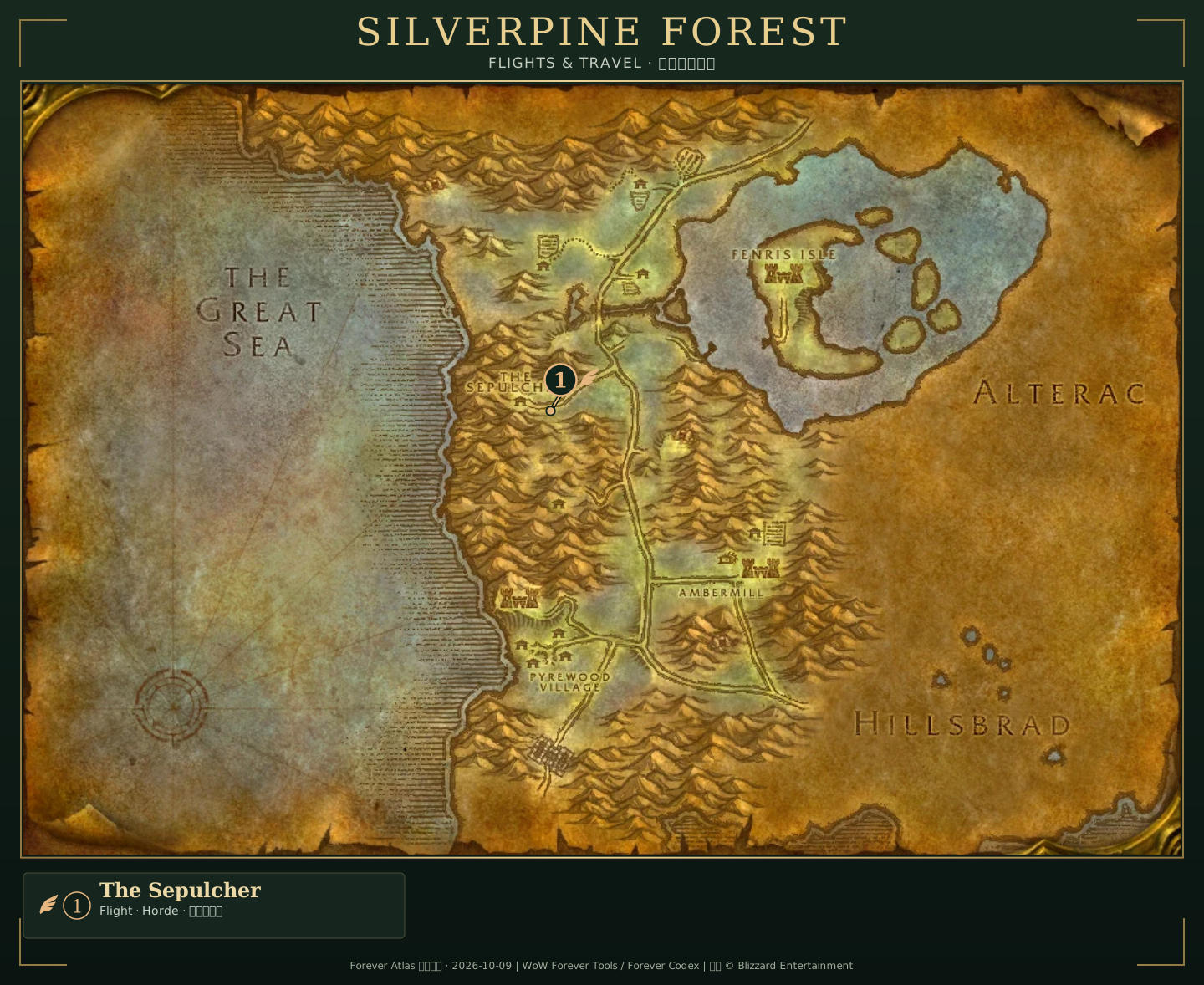
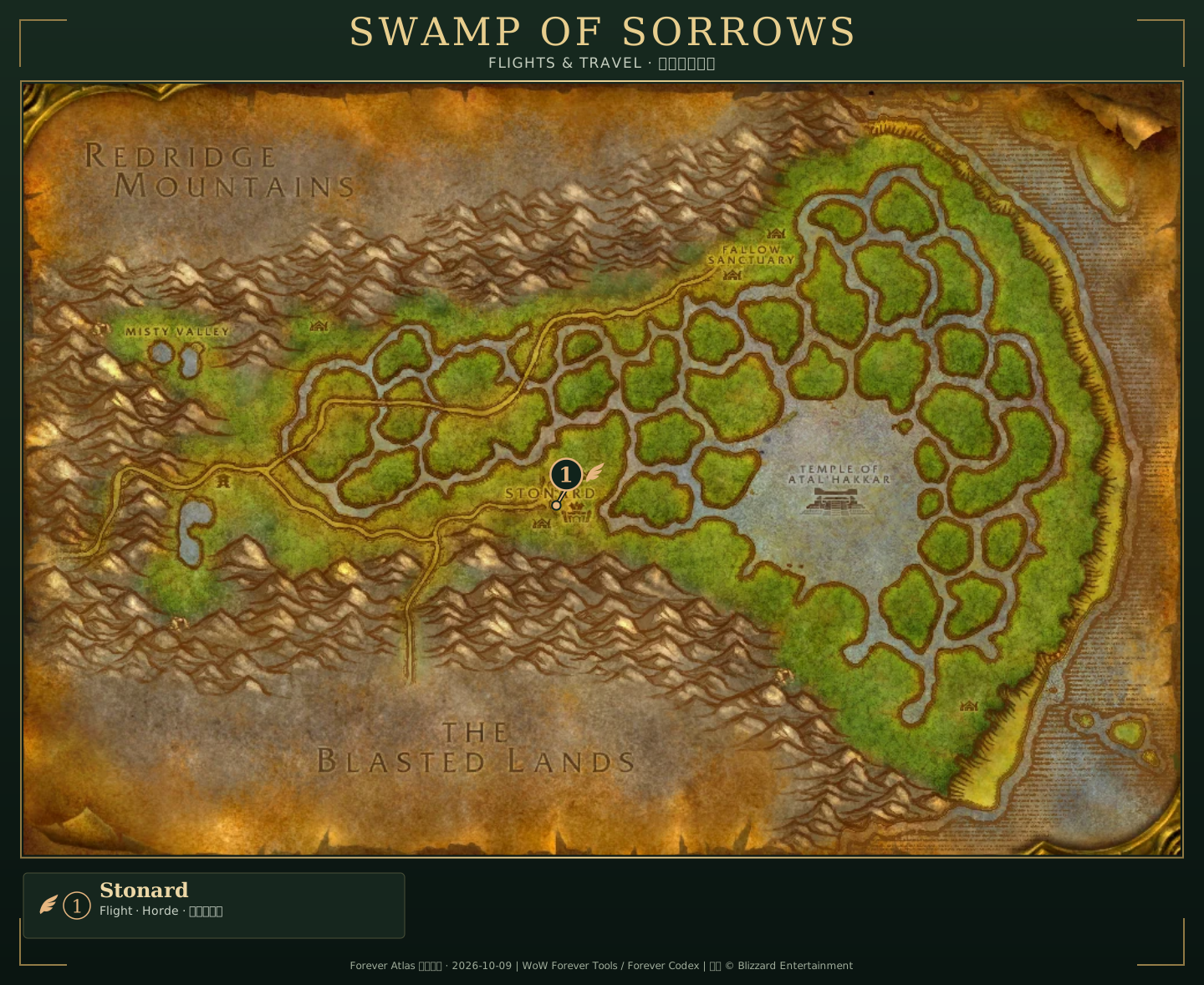
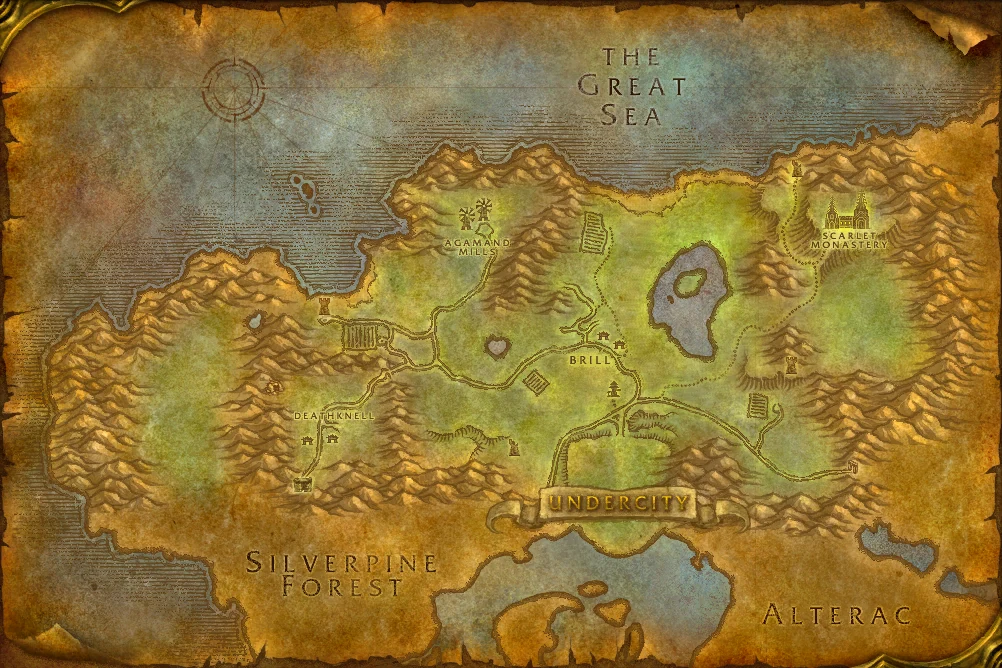
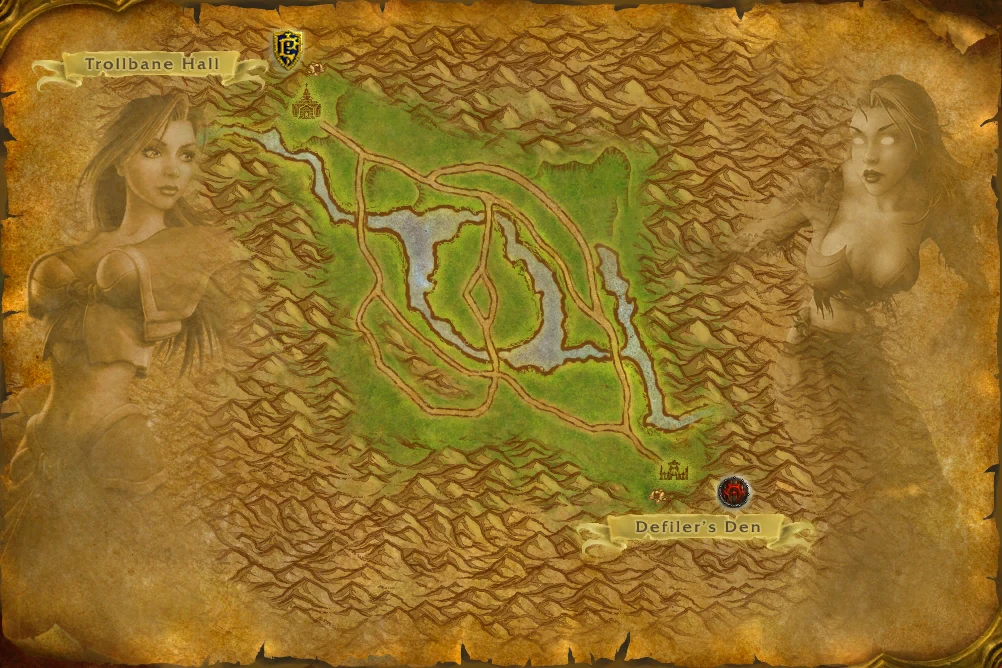
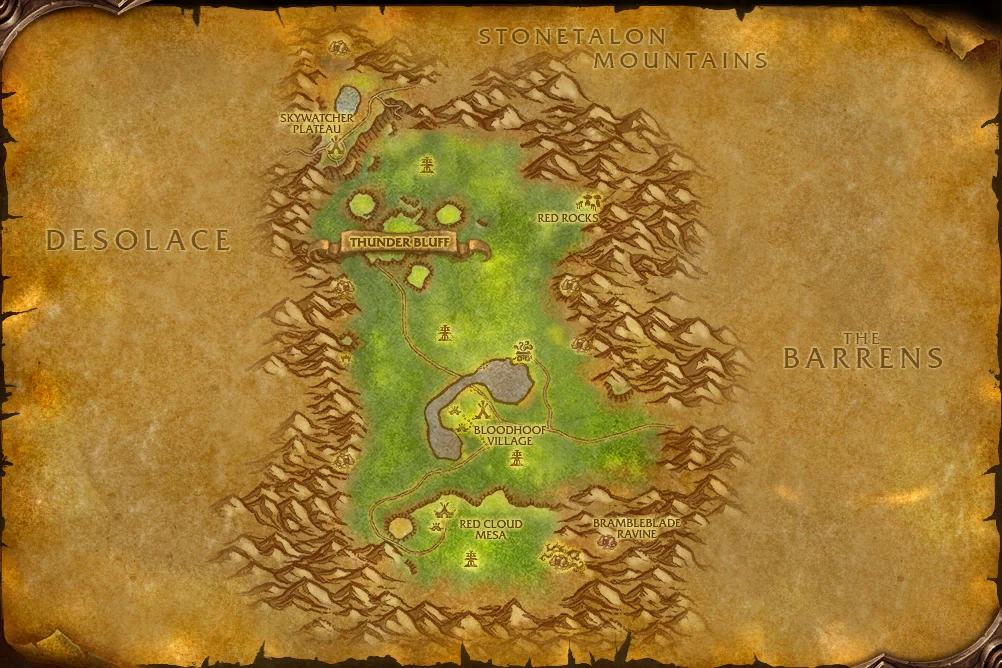
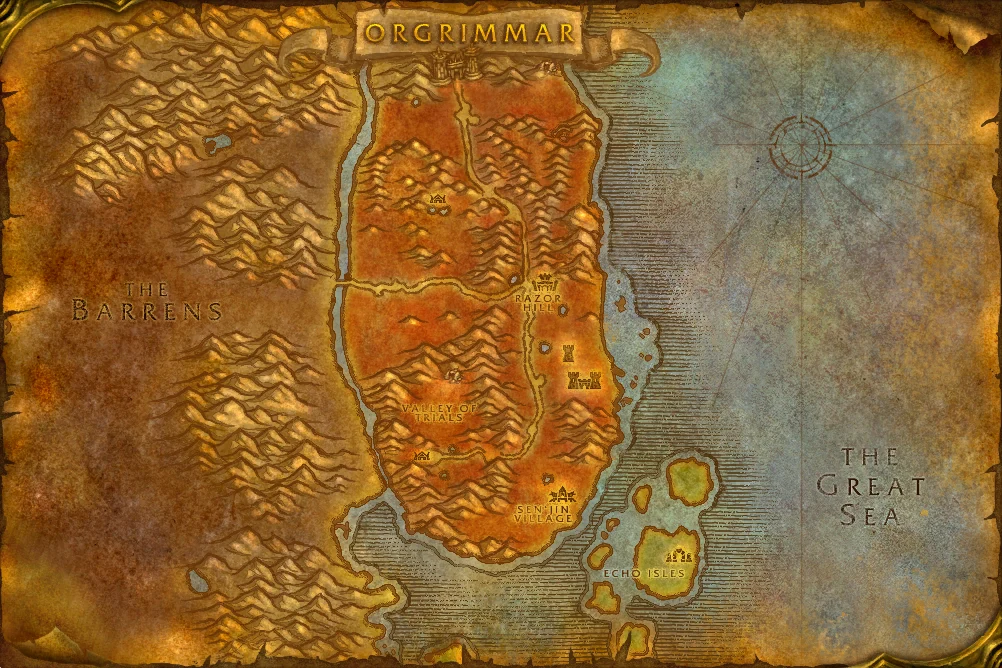
The complete map collection includes all 53 images in this source set. Filter by continent and map type, or search for a place in English or Chinese. Open any map to zoom or view it fullscreen here. Different images of the same place are kept separately, including Eastern Plaguelands maps A and B.
Start with the Azeroth overview, then switch to an Eastern Kingdoms or Kalimdor continent image. The four region maps and Darkspear Islands battleground map preserve their own scale. Zephras Isle is shown separately because its Skyborne setting should not be mistaken for a walkable route on the mainland.
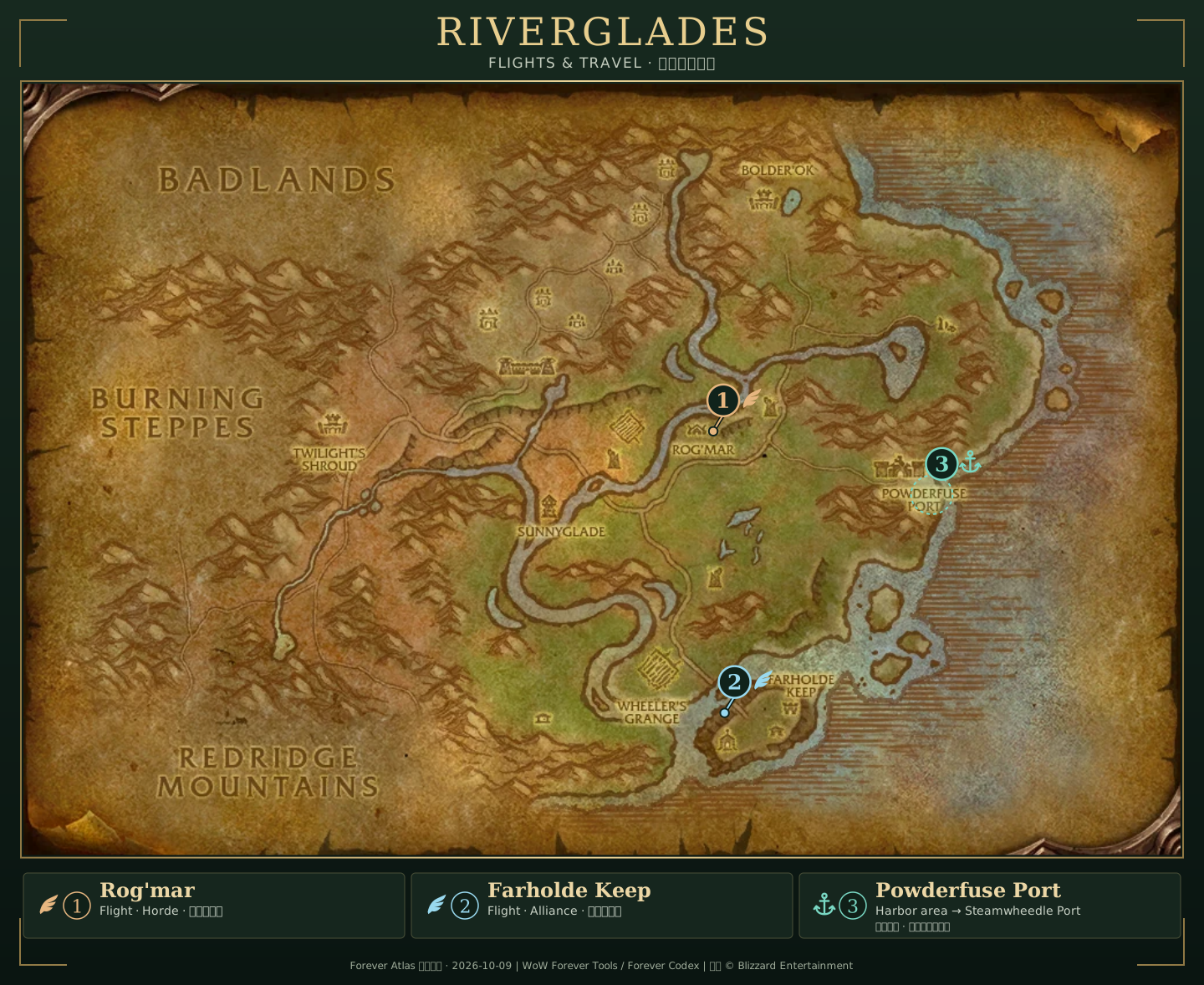
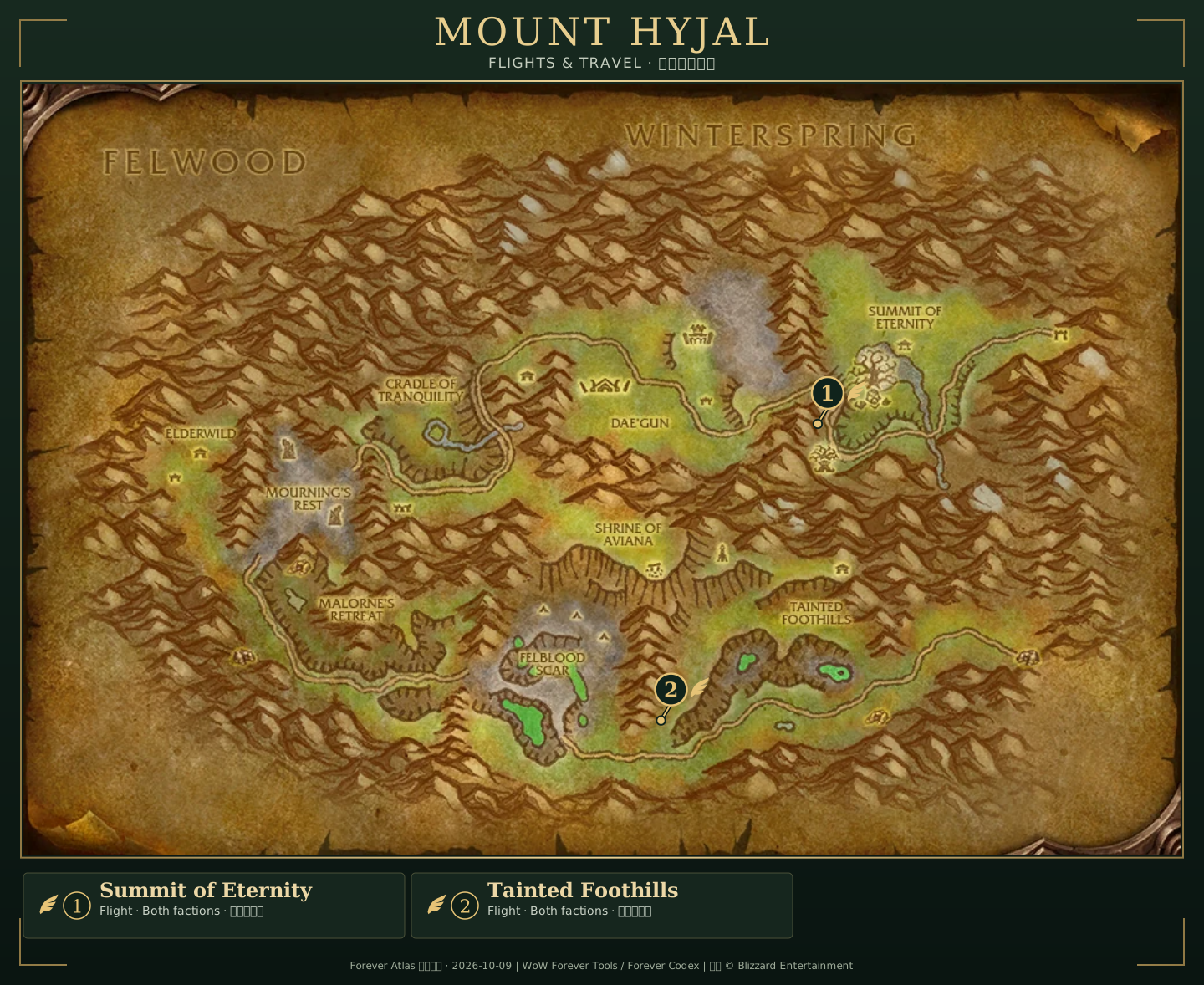
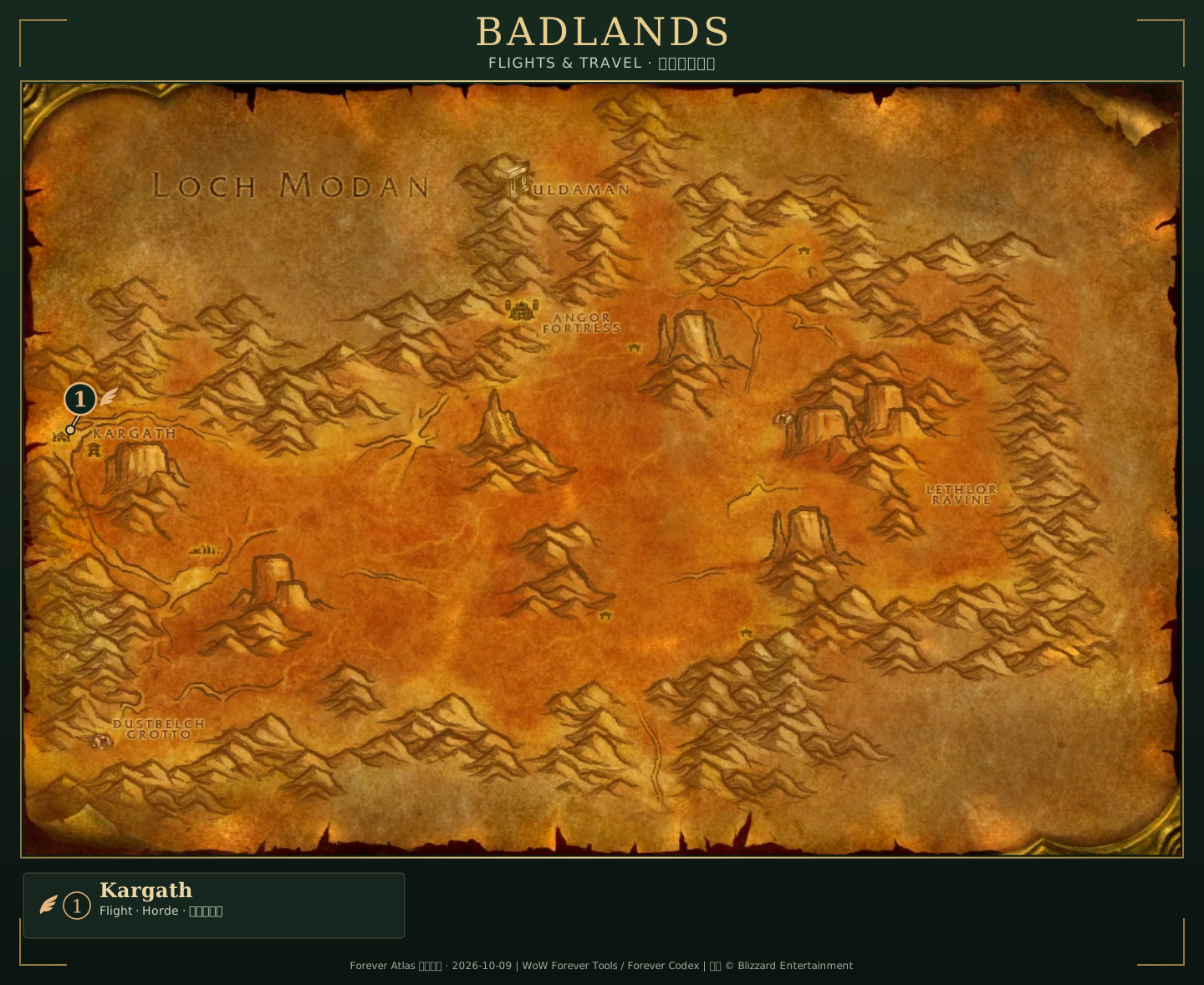
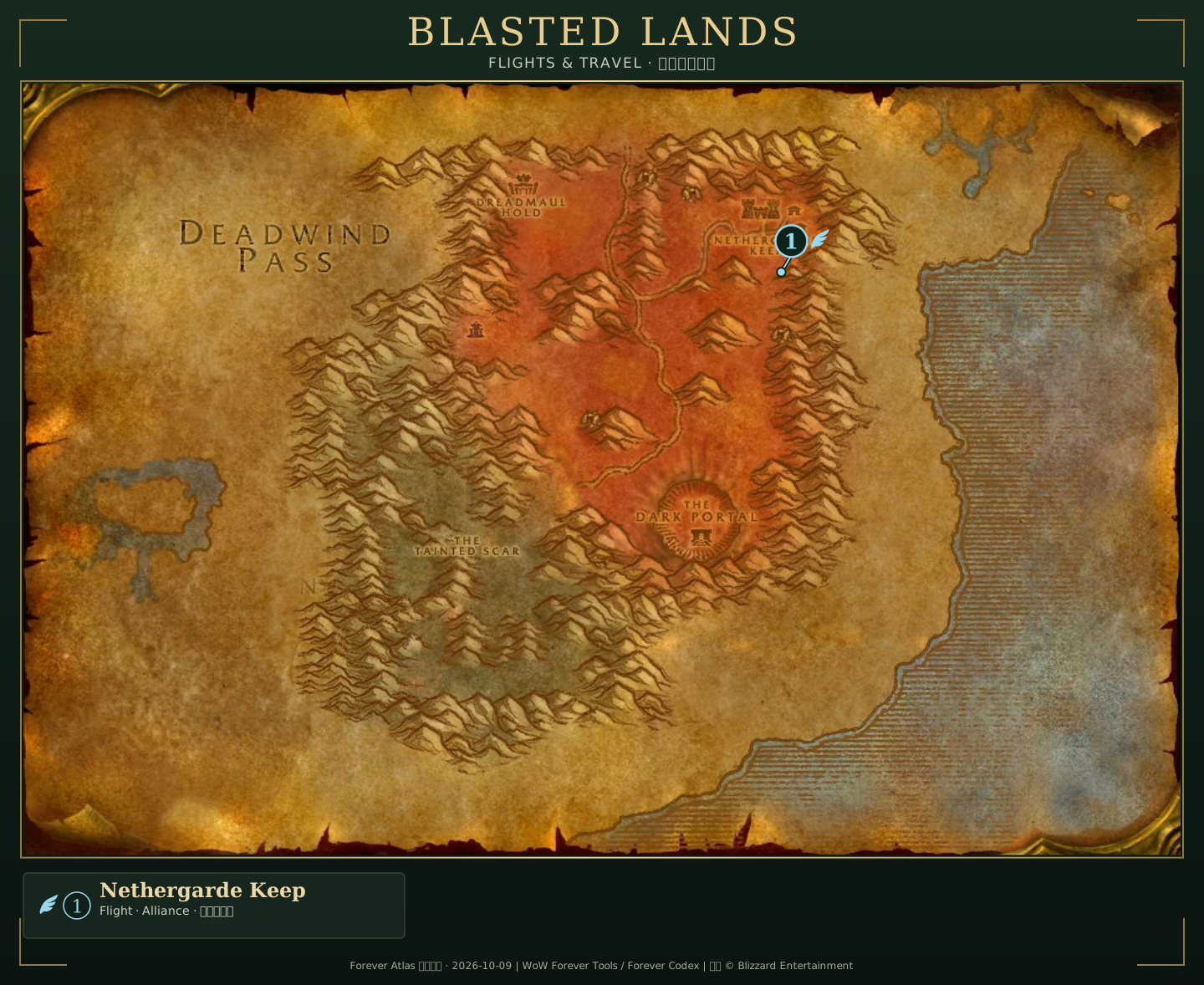
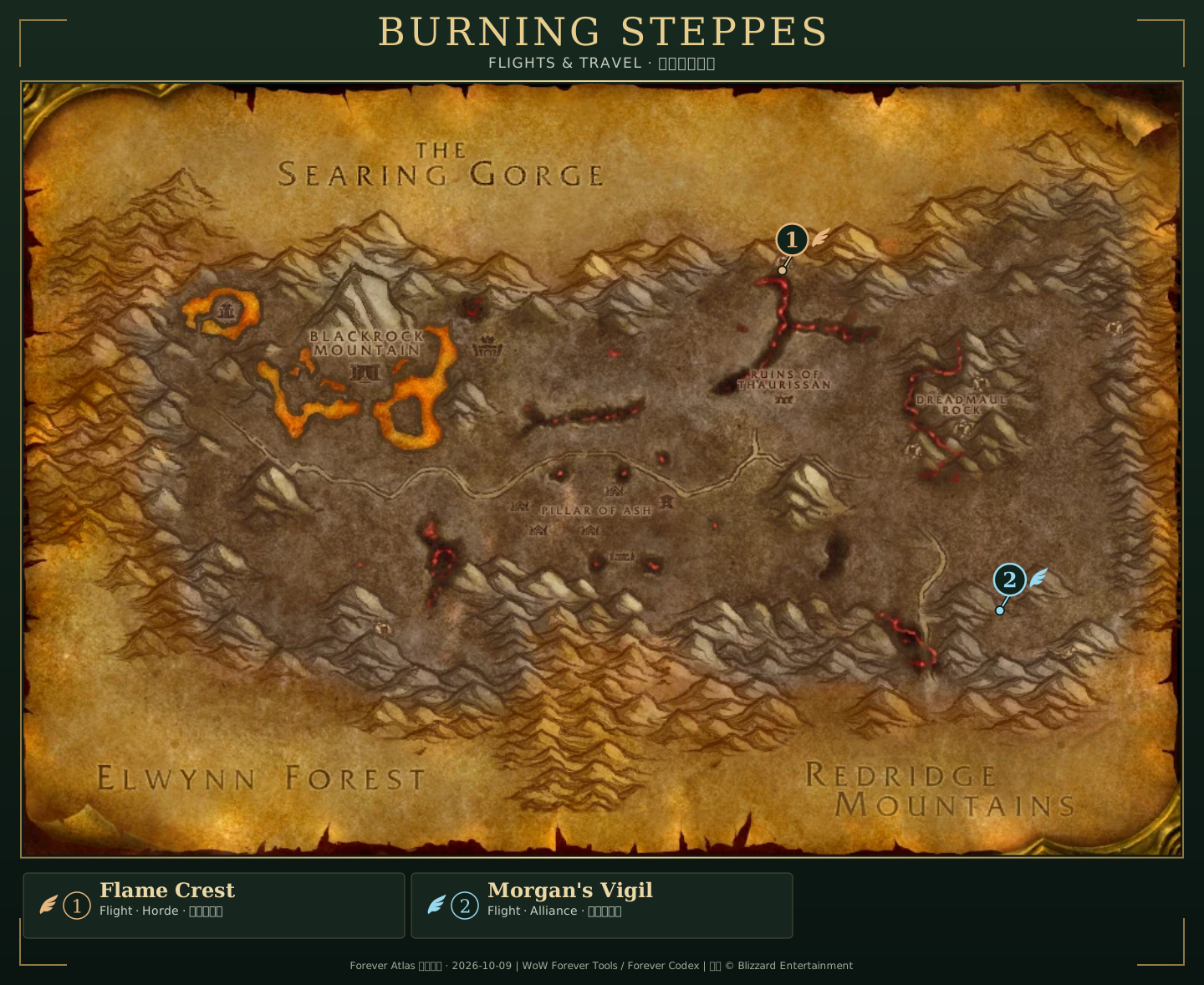
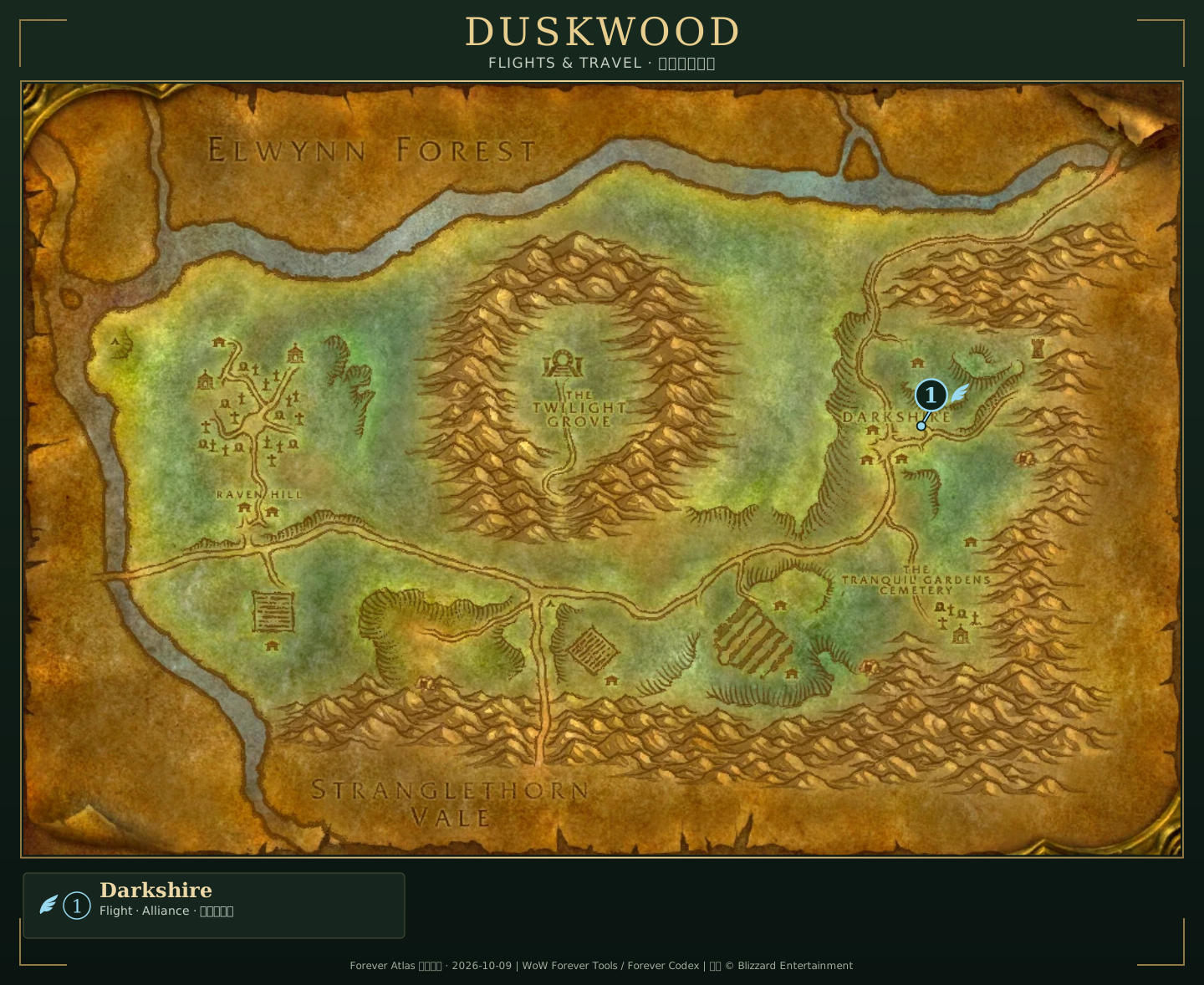
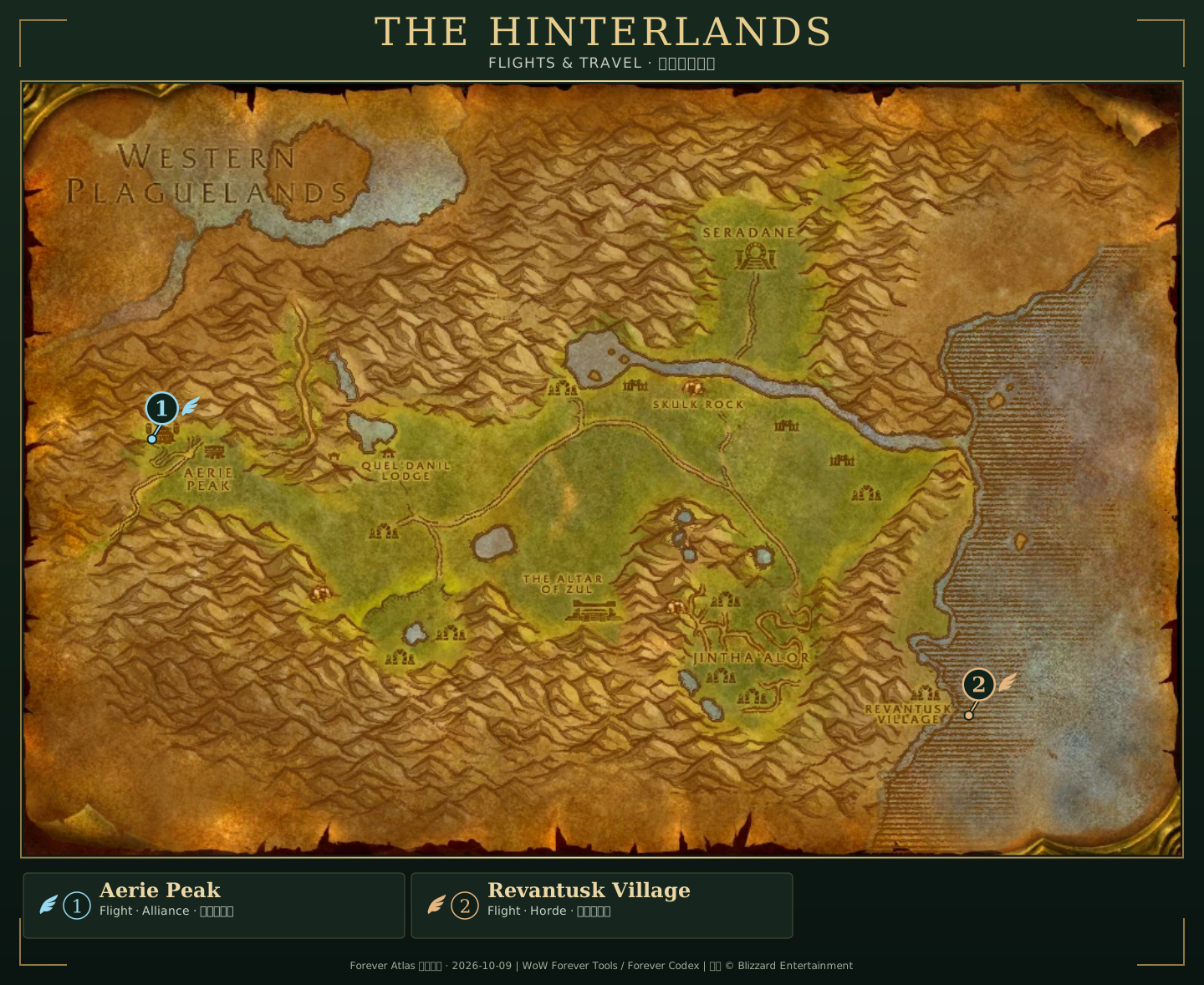
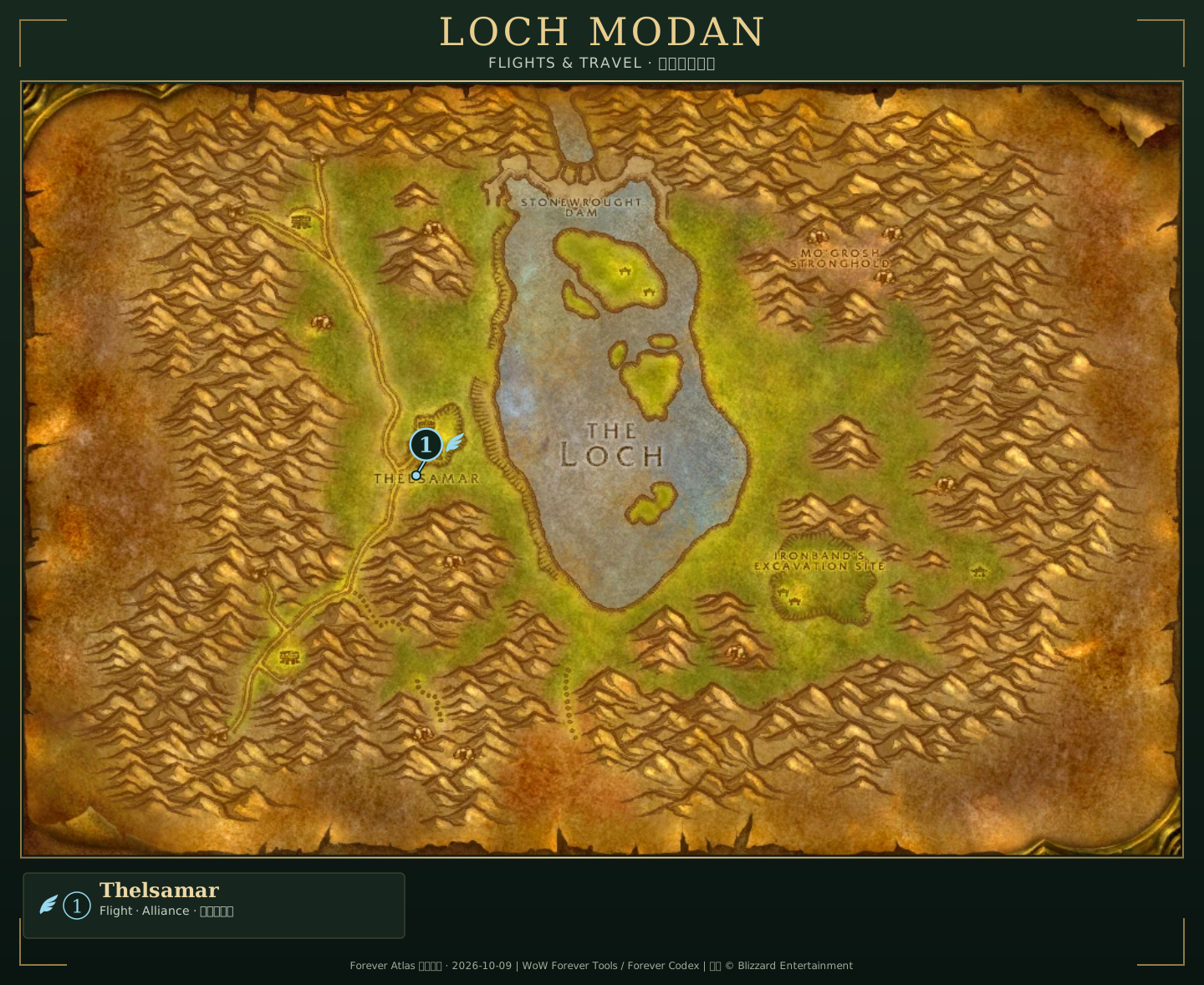
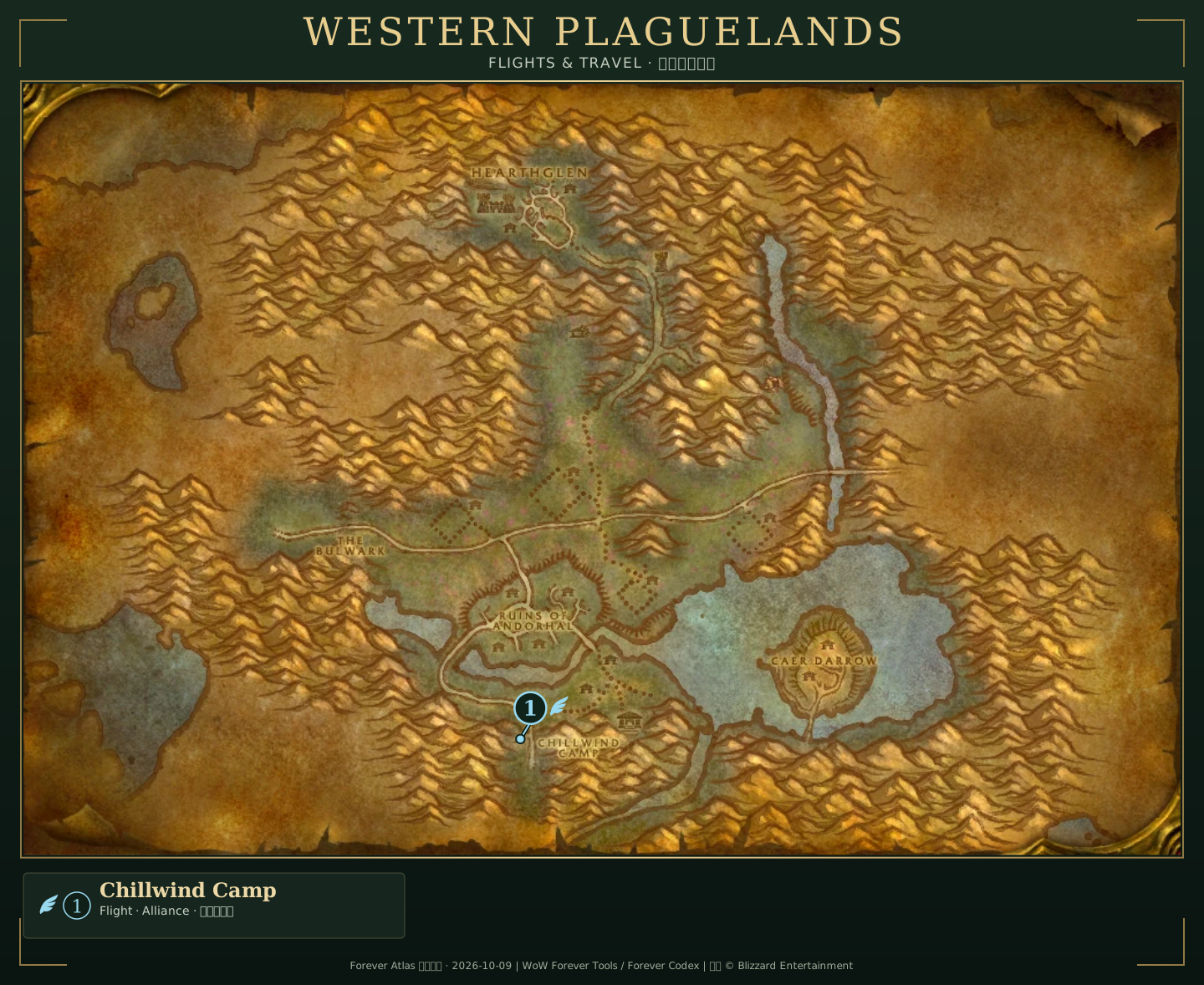
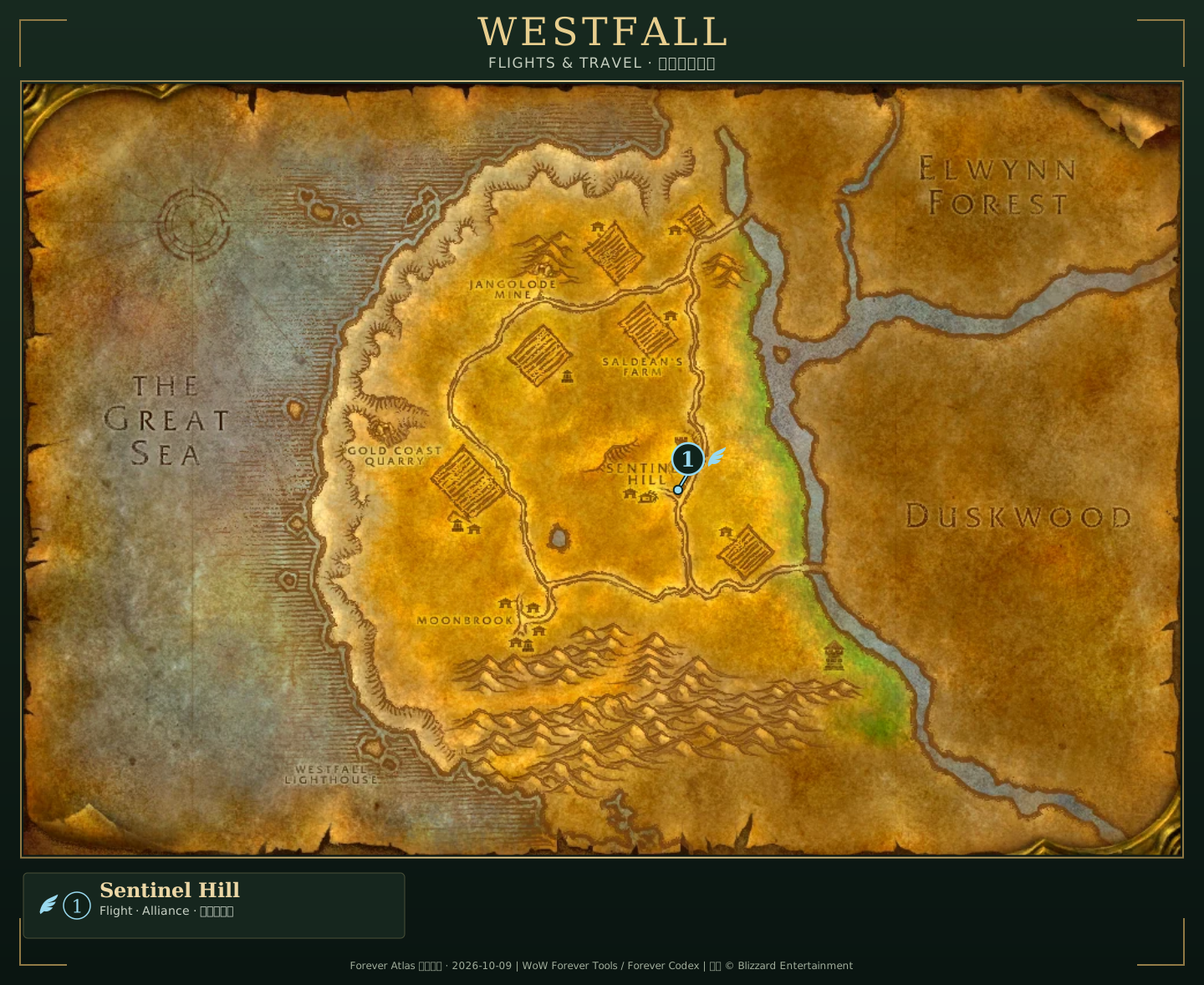
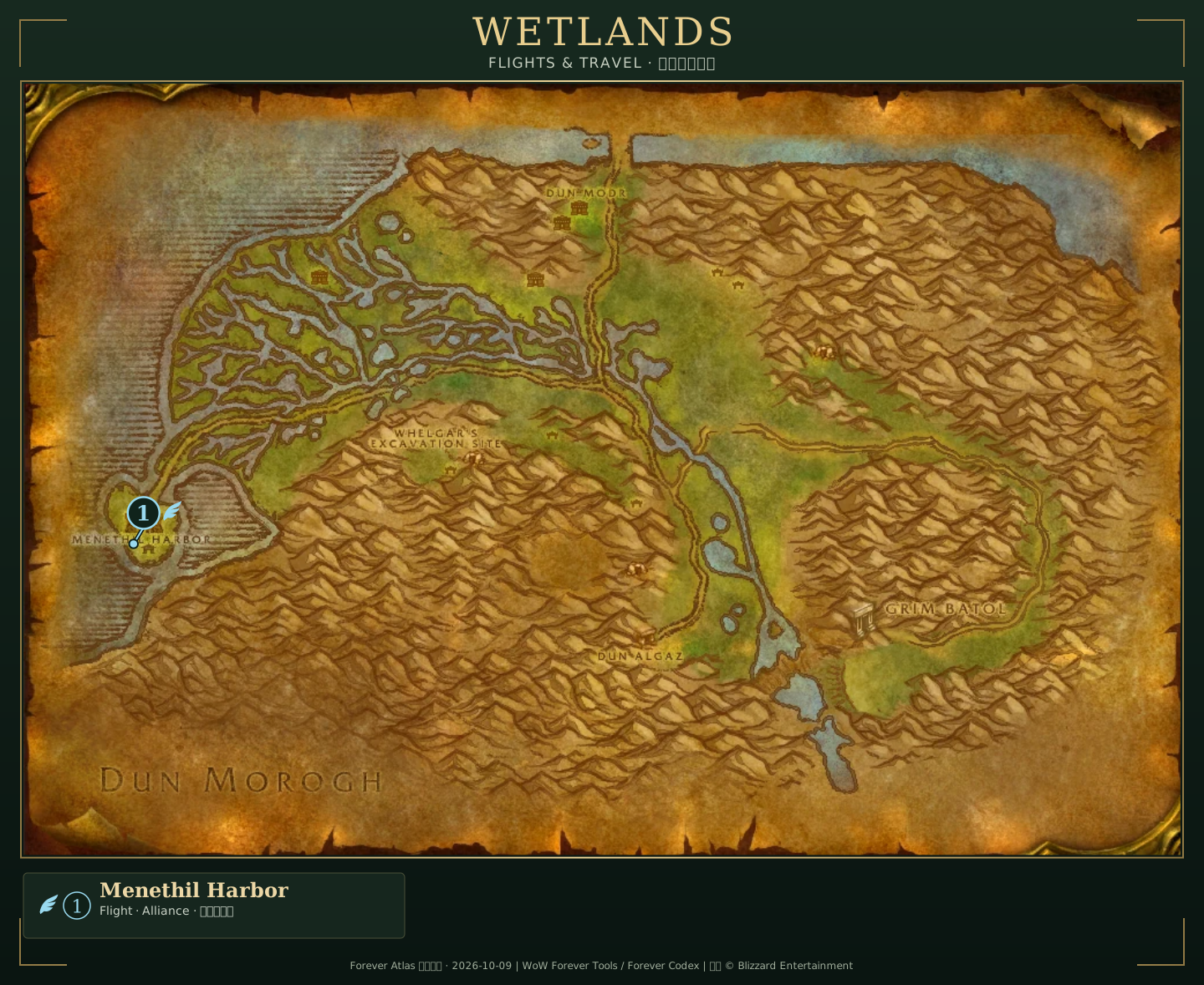
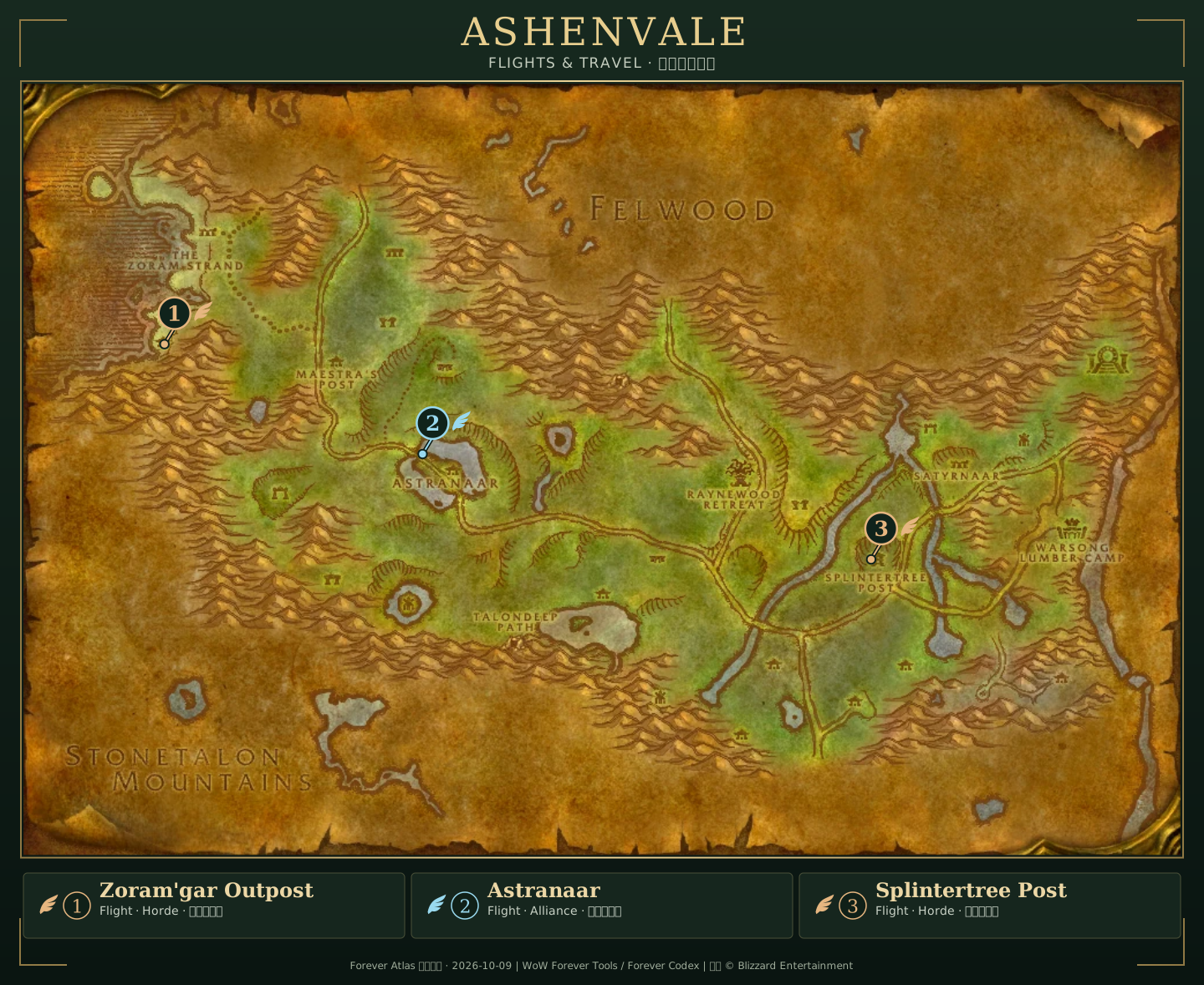
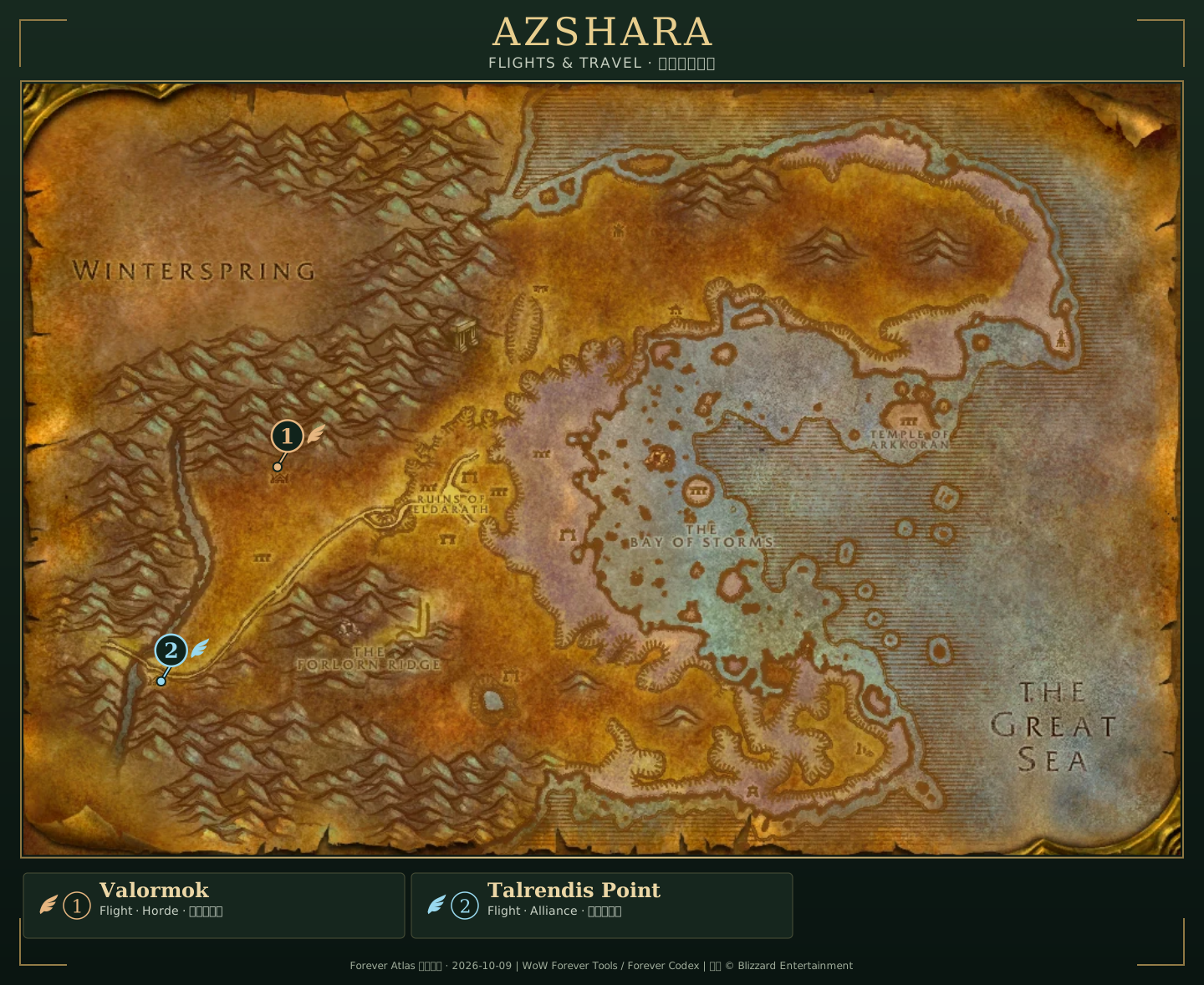
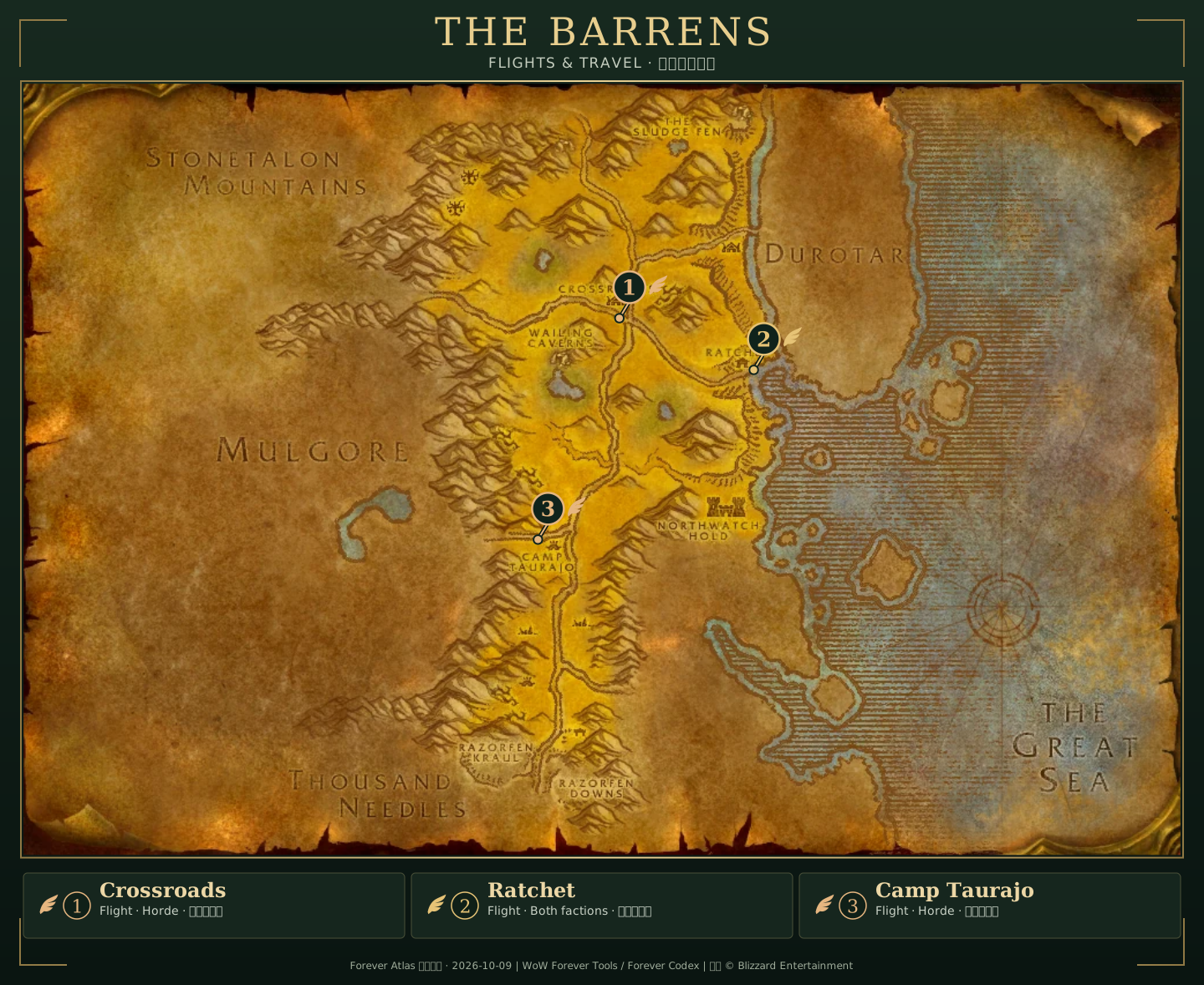
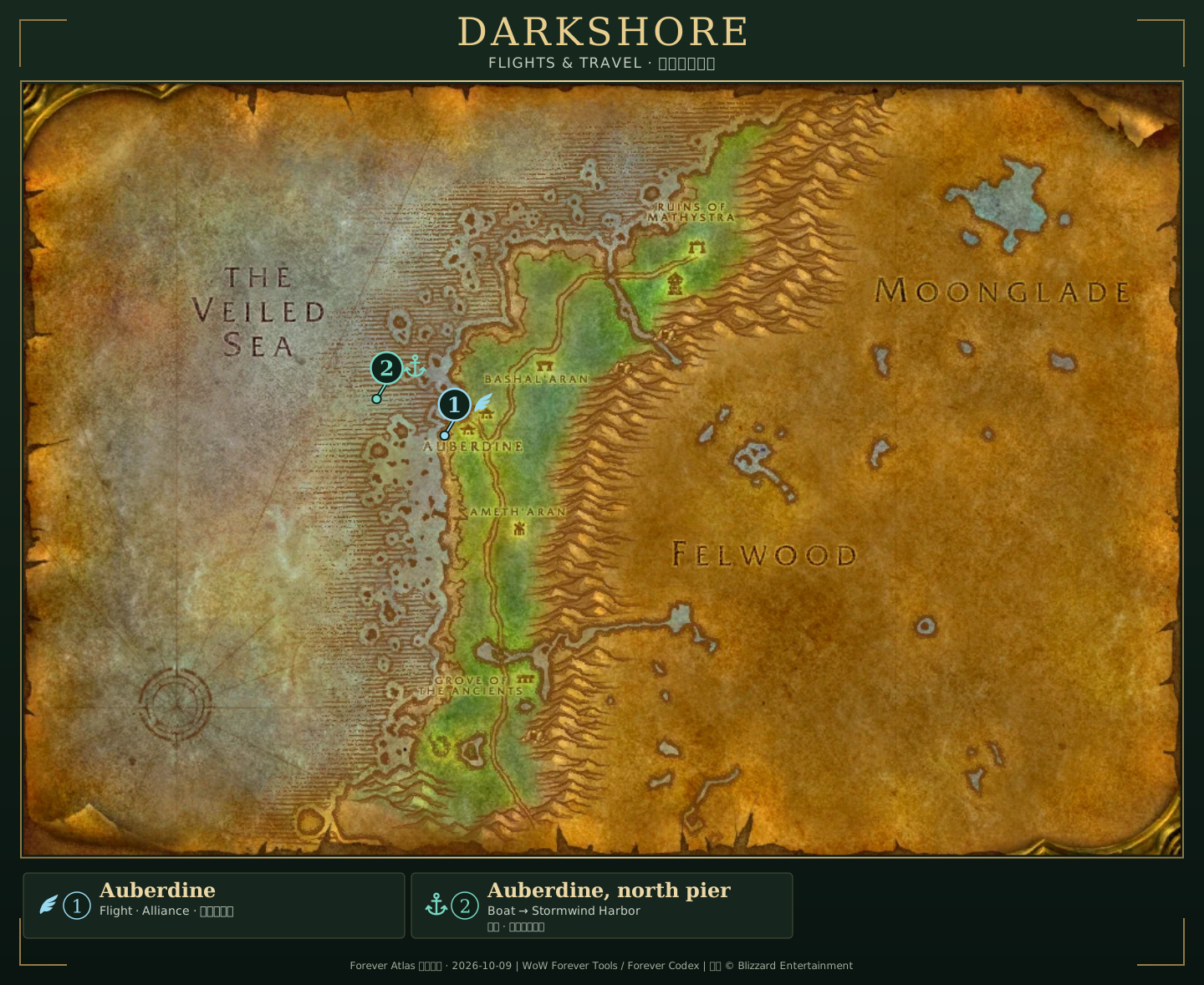
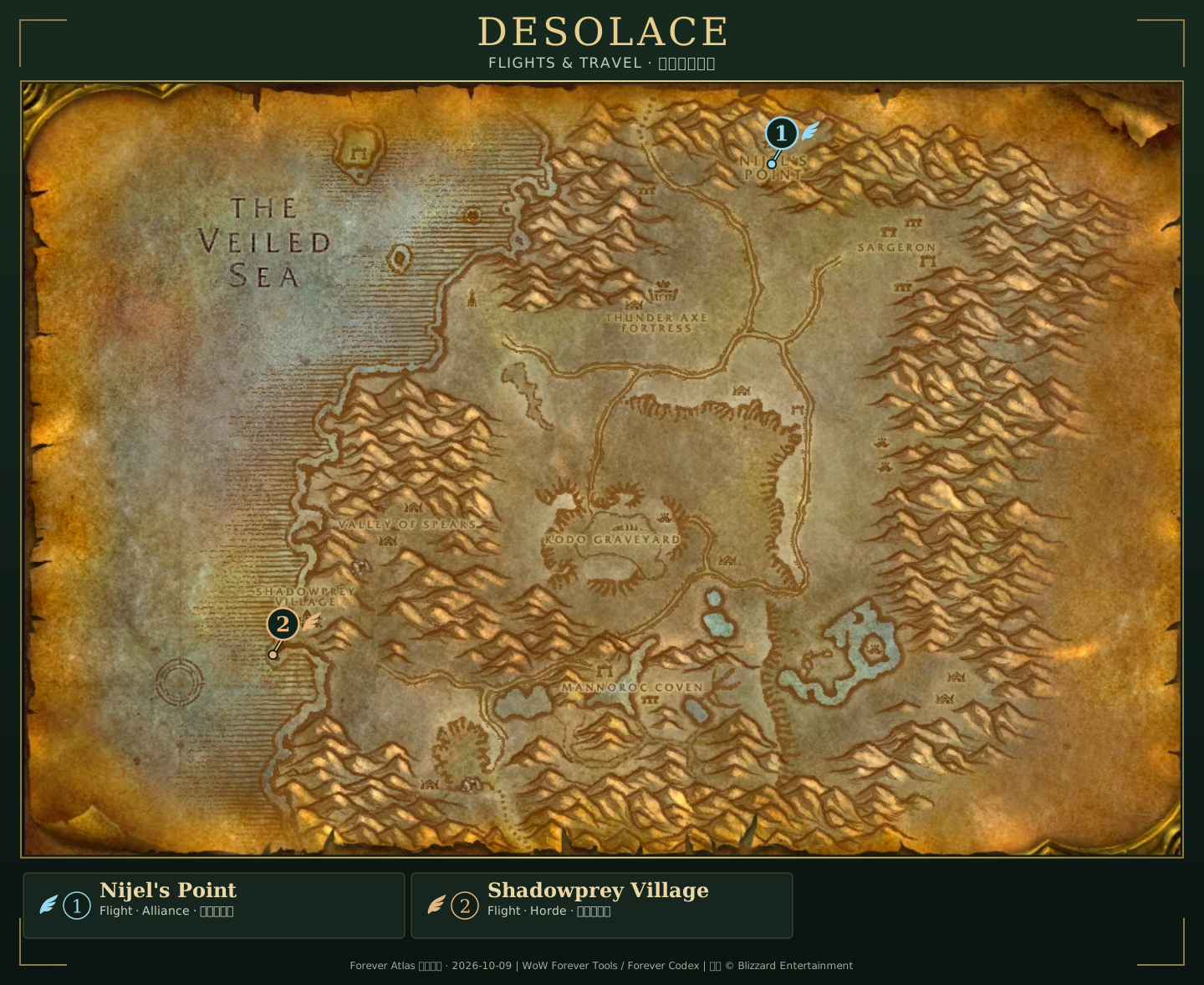
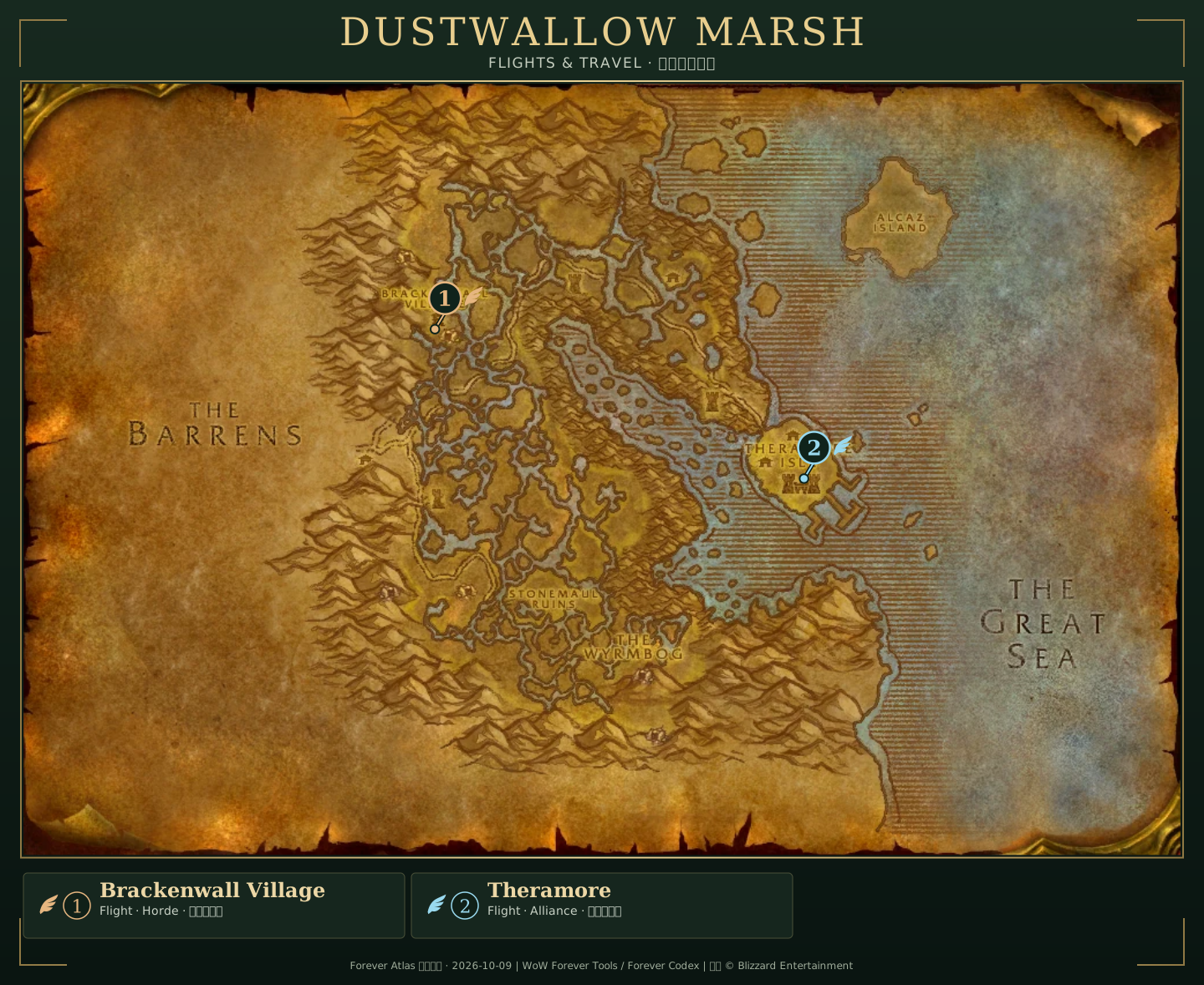
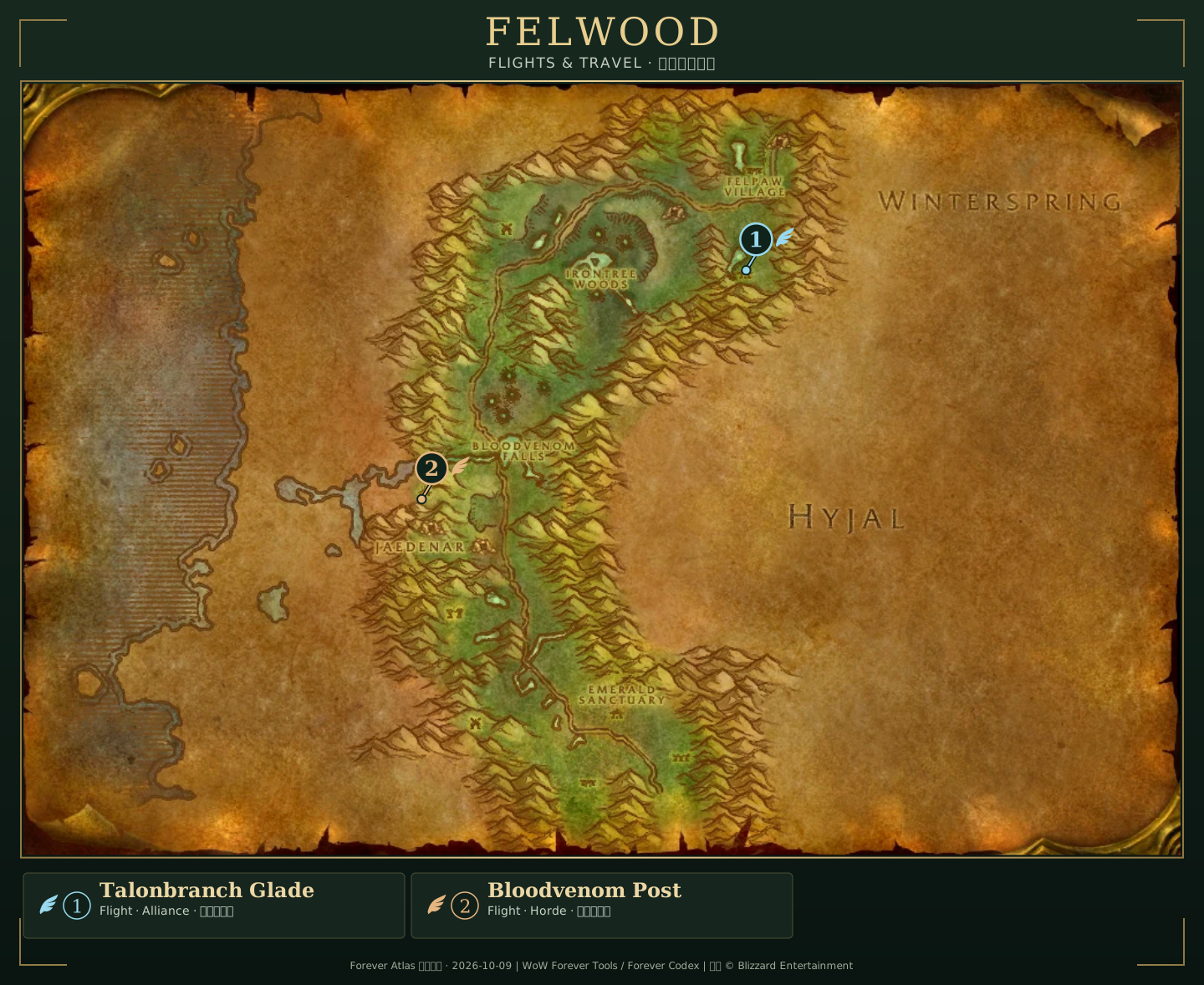
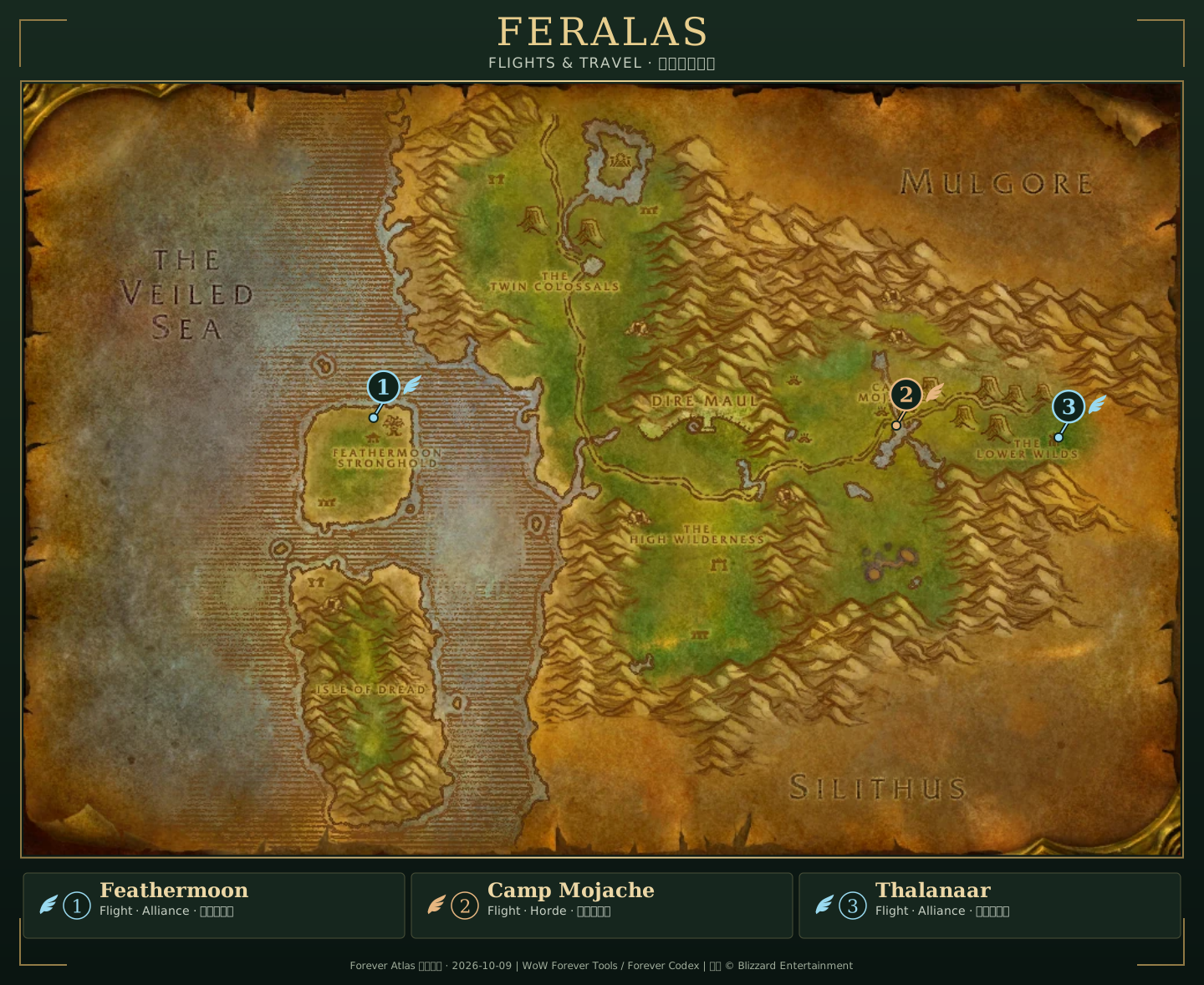
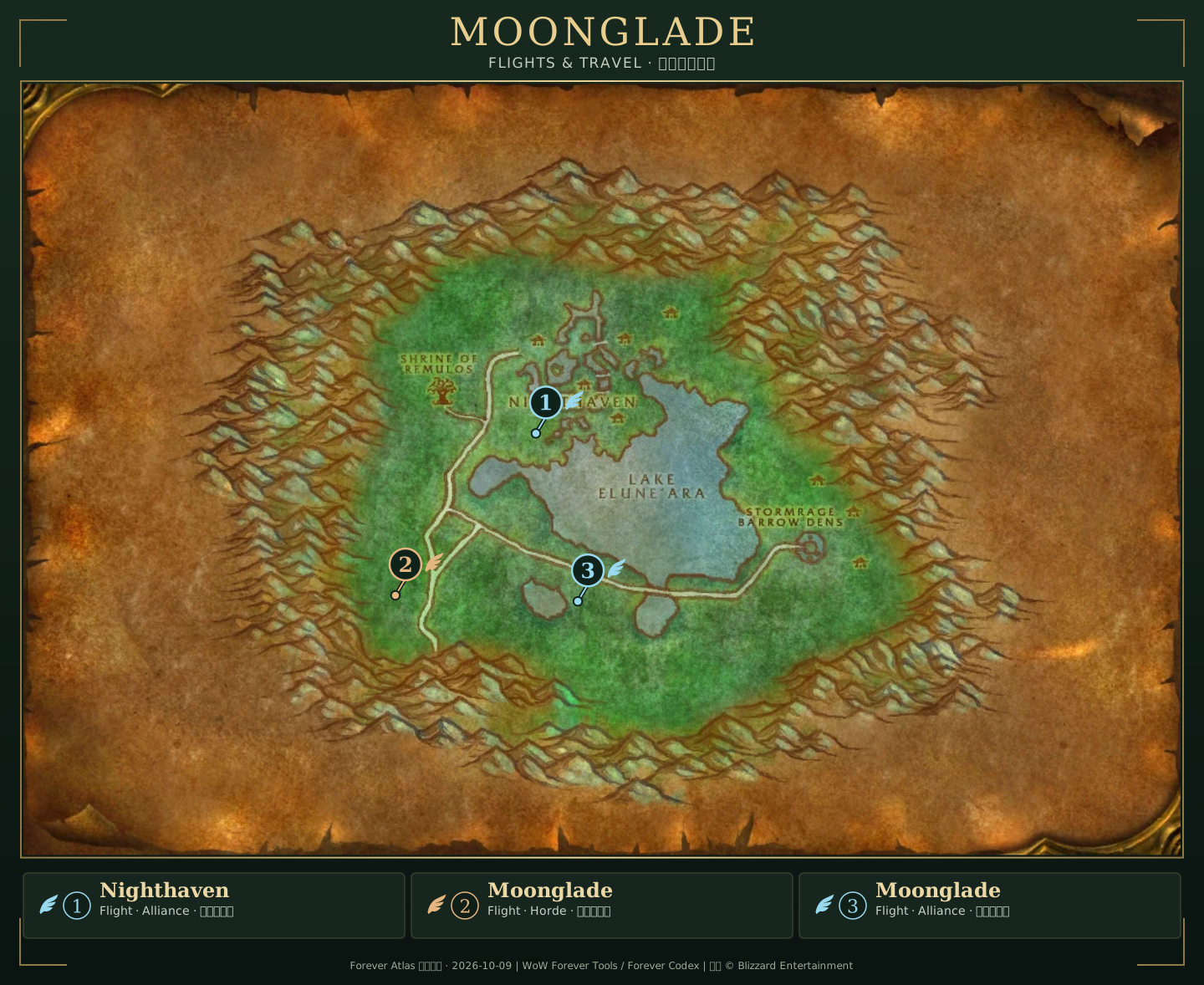
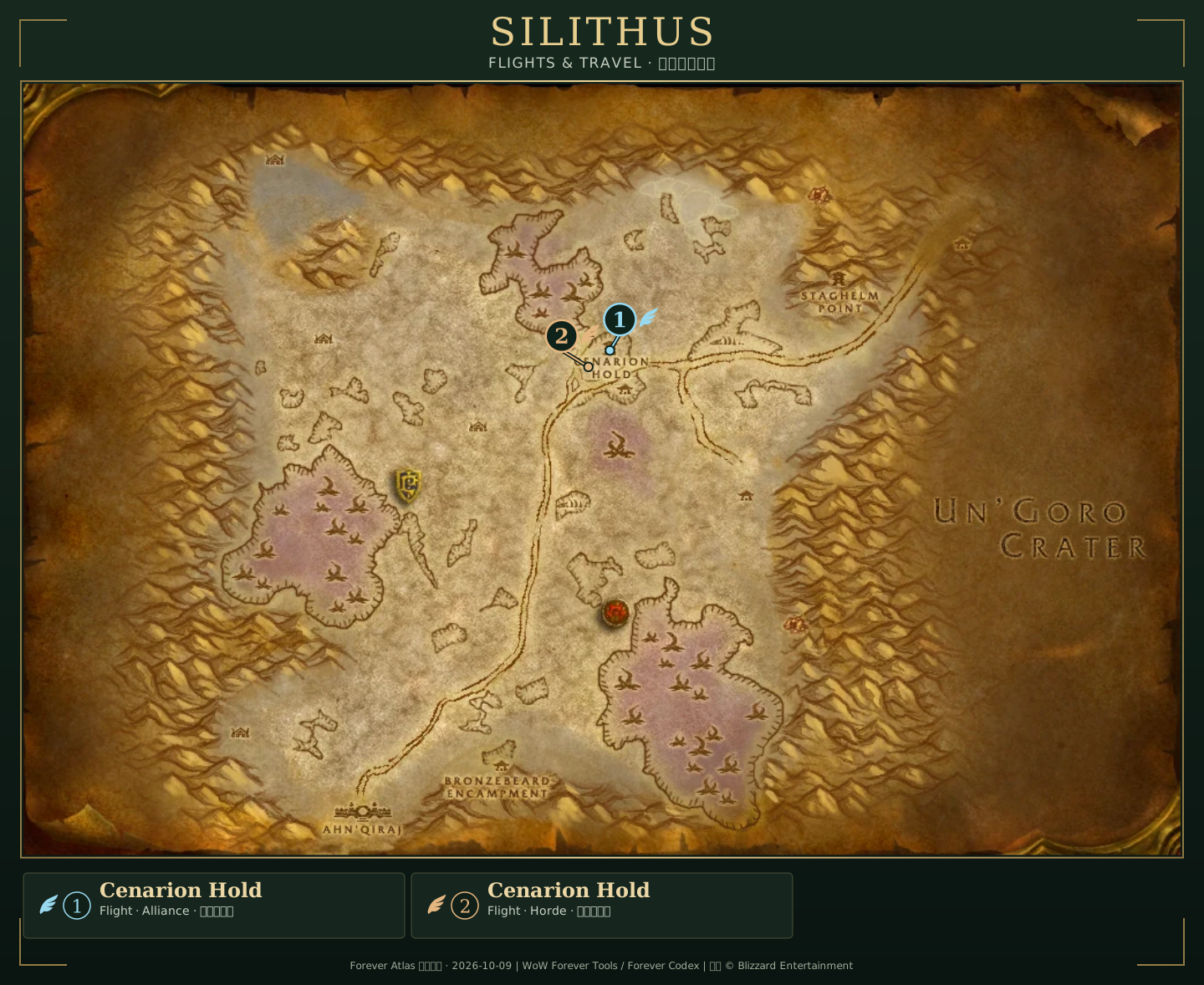
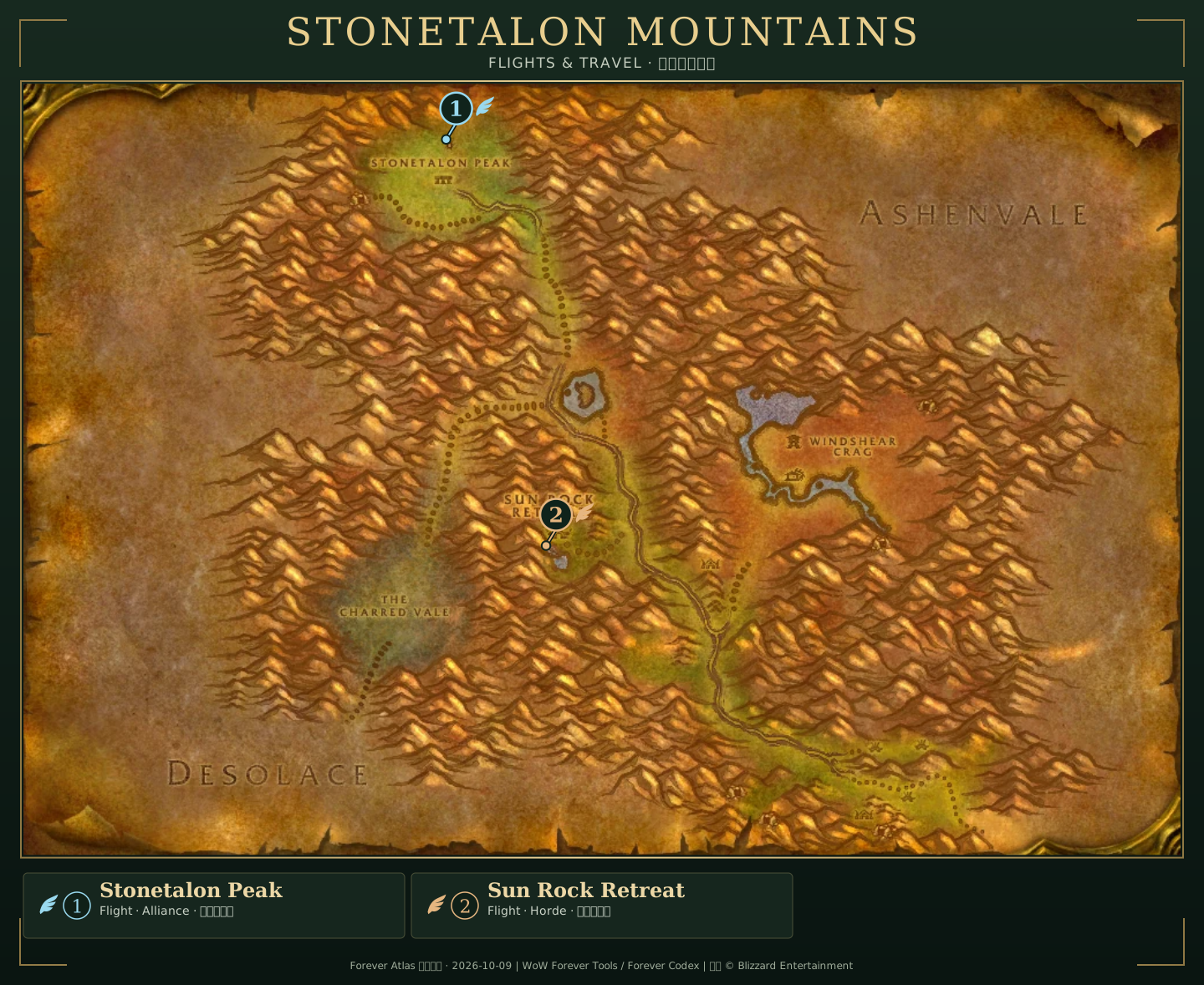
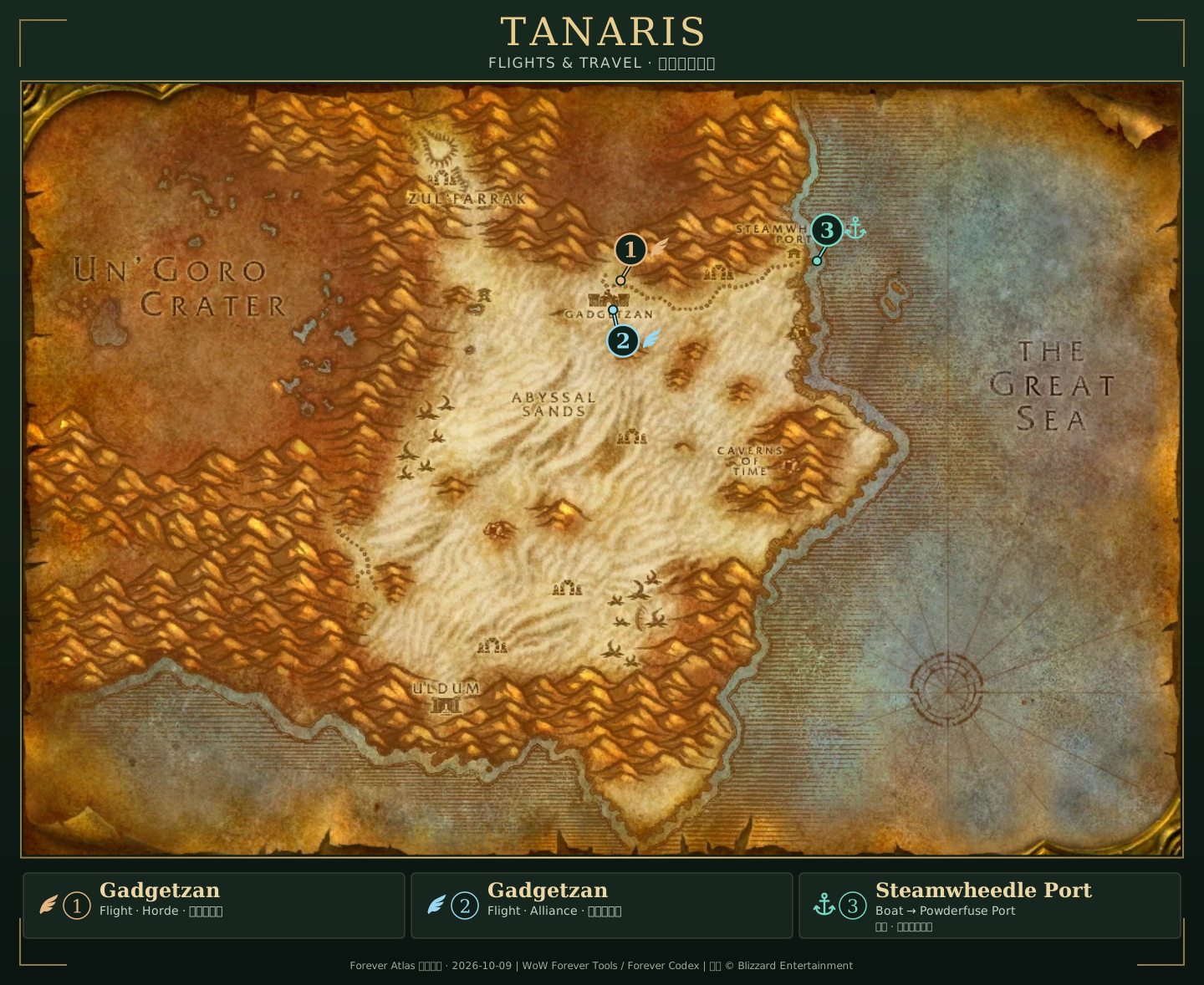
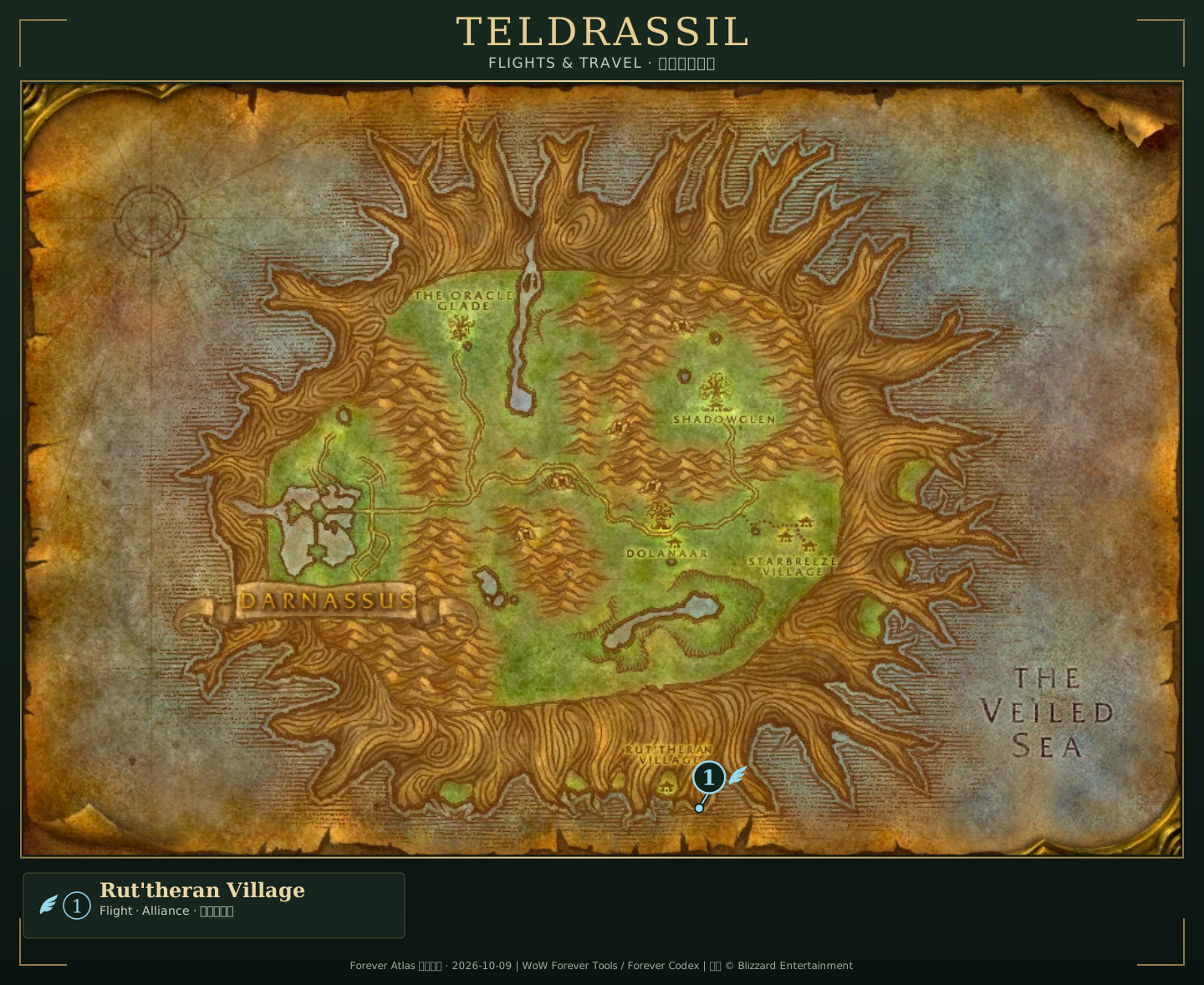
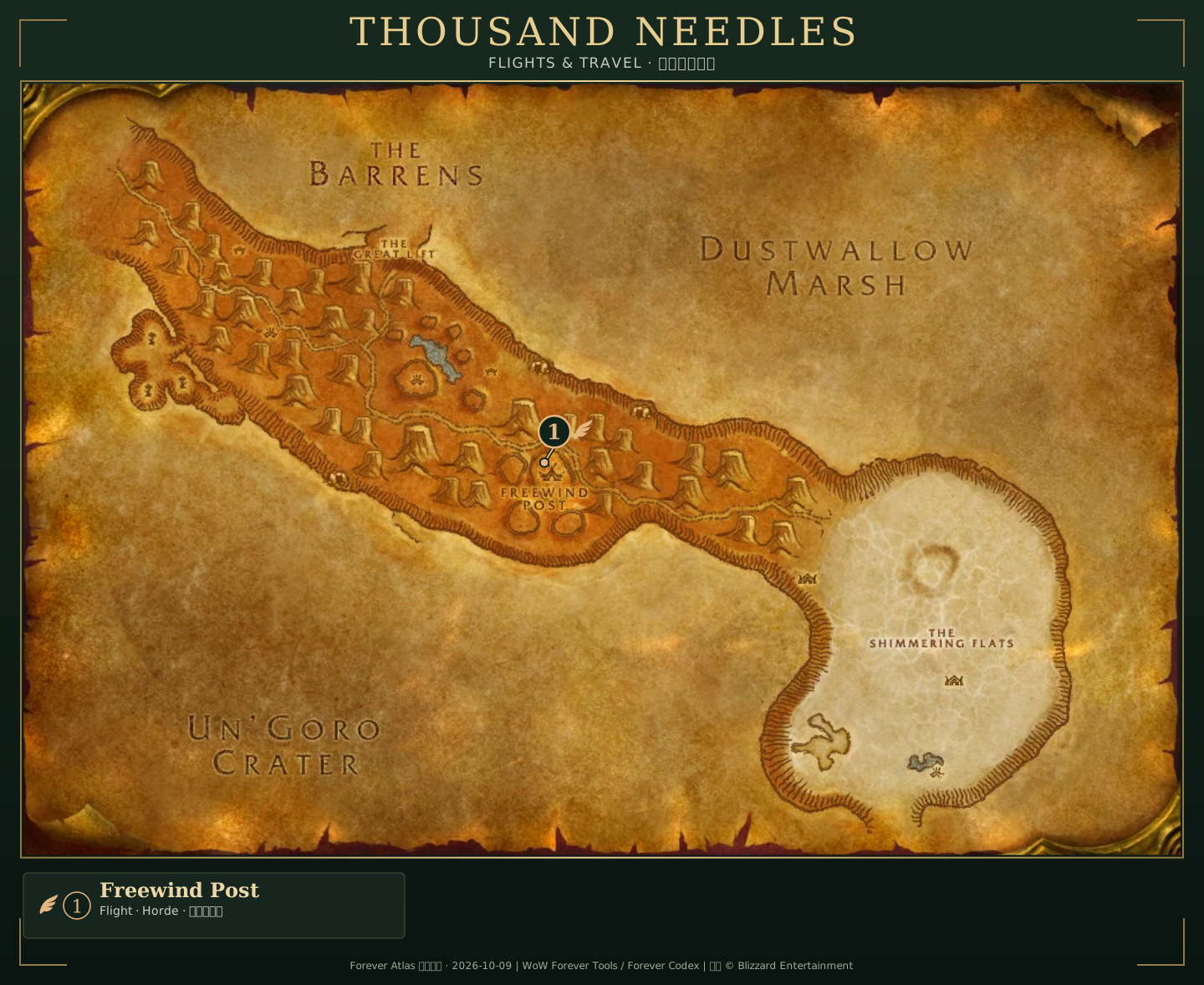
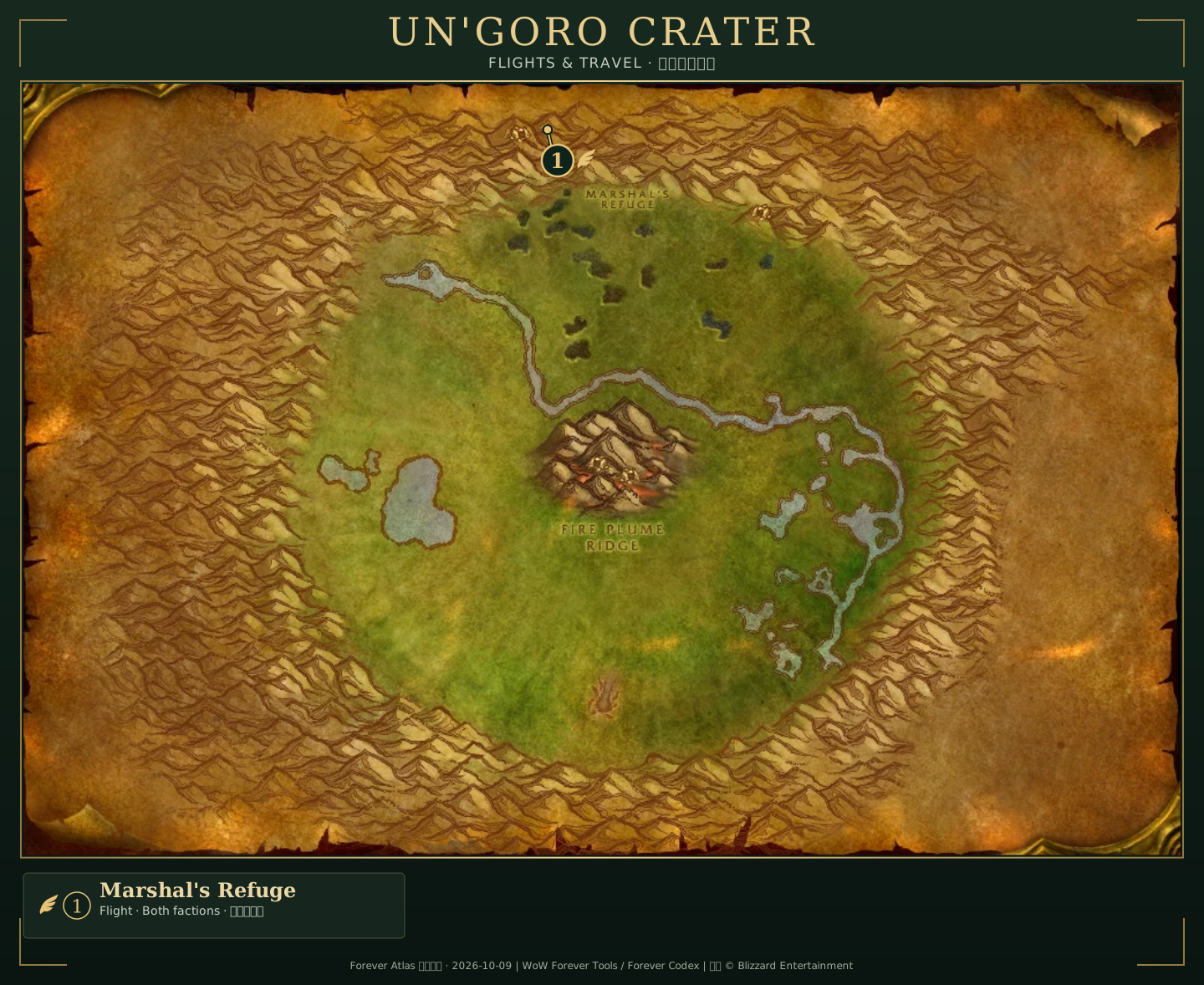
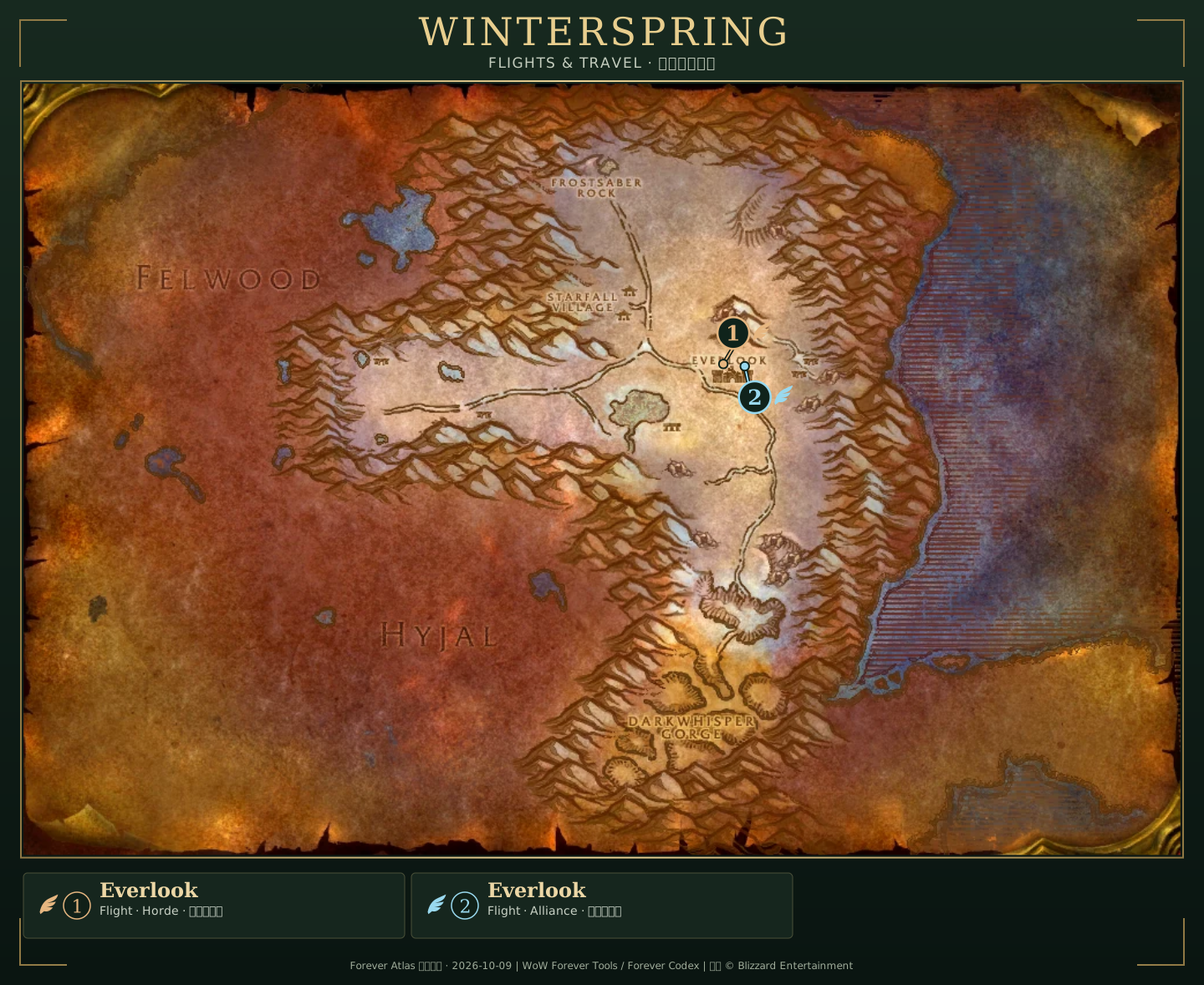
33 regional maps include flight or harbor annotations. Open the numbered legend, or use Original to switch back to the base map. Riverglades uses a dashed harbor area; confirm the boarding spot at the dock. The remaining 20 maps retain their original artwork.
Annotations: Forever Atlas · October 9, 2026. Base art © Blizzard Entertainment, via Wowhead · iMX3 / Azerothbase. Travel data: WoW Forever Tools / Forever Codex. Boat connections: Blizzard. Source details are in the evidence notes.
Compare terrain, cave layers and flight markers
Community author releases · October 12–13, 2026; checked October 14. Sectimus (u/TheRealSectimus): HFWM v1.2.4-forever file record. u/Prohawins: Zonewise 1.3.2 announcement.
| What you need to read | Author-described display | How to use it before travelling |
|---|---|---|
| A road junction or terrain detail | HFWM switches between HD and SD views using the game's minimap terrain art | Compare the same named area and a visible junction in game; use the original map as a second view. |
| A winding cave with several heights | HFWM offers a cave-depth slider | Match the displayed depth to the passage you are standing in. A visible passage does not establish a safe exit. |
| A flight point or vessel destination | Zonewise describes faction flight markers, grey undiscovered points and dock/tower destination tooltips | Check learned flights in the actual flight master's window, and confirm the vessel at the dock before following that leg. |
Three checks for an extra map layer
- Match the file to your client. The HFWM record lists v1.2.4-forever, October 13, for Forever 1.60.1. Zonewise features above follow the author's 1.3.2 announcement; compare your installed version with its release notes. Use the Forever installation checklist.
- Enable one overlay at a time. Compare a road, shoreline or cave passage with the normal map. If two layers disagree, turn one off and use a visible landmark to establish where you are.
- Keep display and progress separate. Revealing terrain does not discover a flight point for your character. A grey marker is a reason to check the flight master, not a usable ticket.
DandyMap: open a grouped pin before treating a service as missing
Dandillyawn · 1.6.0 file, uploaded October 20, with notes dated October 19 · project guide, checked October 21. The file is labelled Forever 1.60.1.
- One icon can represent several services. Version 1.6.0 groups matching service pins according to the current zoom. Open the group's member menu for the exact location, or zoom in to separate icons when there is room. Before making a detour, check the listed NPC name; a merged marker does not mean the service was removed.
- A green flight icon is not a learned route. The project guide uses green for flights not yet confirmed as learned. Opening a flight master's window records the current and reachable routes for each character. Check that character's actual flight list before planning the next leg.
- A misplaced mailbox needs a report, not a guessed correction. The new
/dandymap posand/dandymap pos copycommands compare the character's position with nearby mailbox catalog entries. They do not edit the catalog or repair a marker. Record the NPC or object name, client build and enabled pin source, then compare with what is visible in game.
Our check order is expand the group → identify the service → verify it with the current character. Catalog locations can be conditional or outdated; these author-documented controls are not an in-game test by this site. For the next transport leg, use the community route checks.
If the expected map view is missing
Sectimus · HFWM v1.2.4 documentation · October 13 file; checked October 14.
| What you see | Setting or package to check | Next check in game |
|---|---|---|
| Cave views work, but a dungeon or raid window is absent | Instance map (beta) has separate Dungeon and Raid switches, both off by default; the cave switch is independent | Check the relevant switch, then compare the displayed floor with a visible room or stairway. |
| The world or continent view lacks a high-resolution option | The optional High Fidelity World Map: Art package adds those textures; the main addon already supplies lower-resolution views | Zone and cave views do not need the Art package. Identify the view you need before adding it. |
| Part of a continent still uses the normal map | With Fog of War enabled, HFWM requires the entire zone to be explored before replacing its continent/world view | Compare the zone's exploration progress before treating this as a missing map. |
Using the native Gamepad UI, with both map and cave window open: L1/R1 change floor, L2/R2 zoom, and R3 resets the view. The Toggle cave window action is under Key Bindings → High Fidelity World Map.
The author's October 12 post said instanced-dungeon testing was pending; the newer documentation labels these controls beta. For a Wetlands party, also use the dungeon-floor checklist.
Sectimus · Art package documentation · art-v0.2.0 file dated October 12; checked October 14.
Explorer maps: check the view, quest pins and estimated position
Community tool · October 15 release; checked October 16. tarolg (u/BrTarolg) · Forever Simple World Map documentation · the listing shows 0.30.2, labelled Forever 1.60.1. In game, its settings name is Forever World Map.
| What you are trying to do | Author-documented behavior | Our check before continuing |
|---|---|---|
| Compare adjoining zones in one view | A separate Explorer map pans across the continent; the normal-map option can retain Blizzard's painted art | Match a named town in both views, then compare the nearby terrain. A continuous picture does not verify a walkable connection. |
| Find a quest giver or objective | The explorer's full giver/objective pins require Forever Simple Quests; without it, quest-log information is more limited | Check the companion addon and your selected quest. A missing pin does not establish that the quest is absent or unavailable. |
| Work out which dungeon room you are in | The author describes an estimate using the entrance, boss encounters and minimap room names | Read the room name and compare a doorway or stairway with your party. Treat the highlight as an estimate, not live coordinates. |
The author's Reddit explanation describes the dungeon estimate; it does not establish a verified route for this site.
A short reset when the map and room disagree
- Identify the active view. The project's Explorer map button makes M open that view; Blizzard map switches back. Settings are under Options → AddOns → Forever World Map, or
/fmap. - Pause at a visible landmark. Agree on the room name and a doorway or stairway before choosing the next passage. If needed, the project documents Shift+right-click to mark a position manually; that mark remains your own selection.
- Check progress separately. Confirm the actual quest log and learned flights in game. Compare a dungeon plan with the floor checklist and official dungeon landmarks.
For example, if the room highlight stays behind after the party crosses a corridor, regroup at a visible junction and name the room before continuing. This is our communication example, not an observed client bug or tested route. The addon has not been tested in game by this site.
OpenMap: check quest clicks, pin drawings and interior maps
0.7.5: keep the map view and hide a pin's drawings
jigrobbulus · v0.7.5-beta-forever file notes · October 23; checked October 27. The file targets Forever 1.60.1.
| Earlier symptom | Author's 0.7.5 fix |
|---|---|
| Clicking a quest takes the map out of fullscreen | The click tracks and zooms to the quest while preserving fullscreen or windowed mode; an open side quest log shows its details. |
| A drawing stays visible after its pin is hidden | Right-click Pins in the menu to hide personal pins together with their drawings. |
Check the installed version before changing display settings. These are author-reported fixes, not newly mapped travel routes or a launch-client test by this site.
0.5: interior maps, transport switches and gamepad input
Community addon update · file uploader jiforever · v0.5.0-beta-forever release notes, October 17; checked October 18. Supported label: Forever 1.60.1.
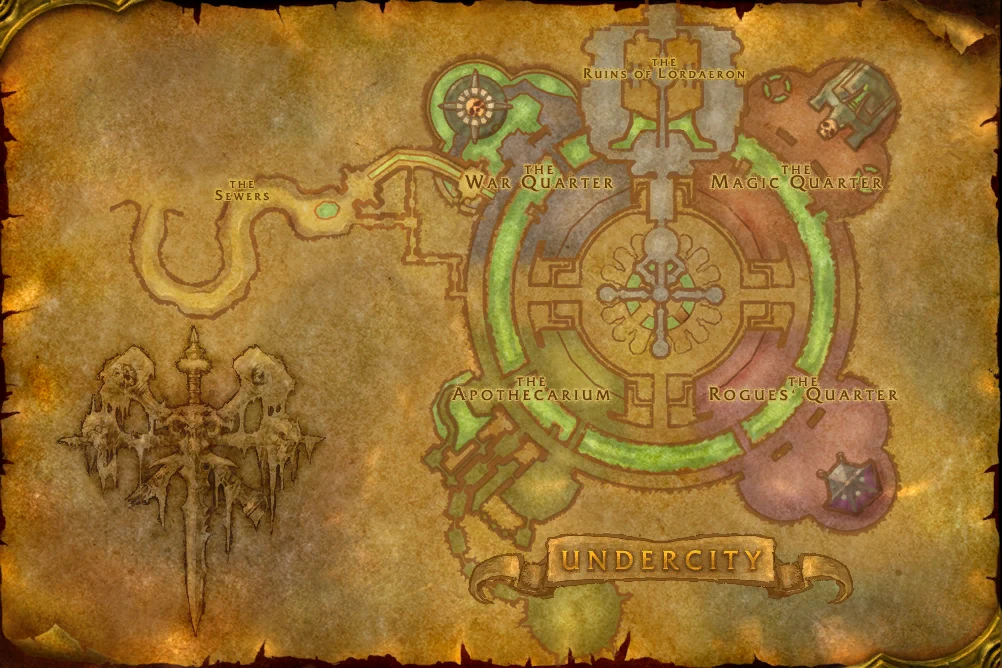
The dated release adds Santiago Reyes's community-drawn maps for City of Dalaran, Excavation Site: Wetlands, Ruins of Lordaeron and The Hall of Thanes. These are illustrated guides, not newly released Blizzard map files.
| What you need to check | What the 0.5 notes say | Our next step |
|---|---|---|
| One of those four interiors was blank | The new package supplies the artist's maps | Compare your installed version and the exact dungeon name. Match a visible room or stairway before using the drawing. |
| Boat or zeppelin markers and routes are missing | Dungeons, Boats and Zeppelins now have separate switches under Show and Options; hiding a kind also hides its routes | Check that switch before treating a missing line as a cancelled service. Confirm the actual vessel and destination in game. |
| The gamepad cursor jumps, or an interior will not open in combat | The notes describe a cursor reset fix; dungeon and Zephras Isle map windows wait until combat ends | Finish combat before retrying the window. That delay concerns the addon display, not a new zone-entry rule. |
Compare the version before changing your journey
- Identify the package. Read the installed OpenMap version and match it with the release notes. Use the Forever addon installation checklist if the new package is not loading.
- Identify the picture. Check the dungeon, wing and floor. For a shared entrance, agree on the wing with the party; then use the floor checklist and official dungeon landmarks.
- Check the journey separately. A visible route line, entrance marker or manual pin is a planning aid. Confirm your character's learned flights, quest state and the vessel at the dock before travelling. See the boat guide.
What changed from the earlier blank-map advice?
The October 16 v0.4.0 file notes described blank new-dungeon interiors; that is now a dated comparison. The 0.5 release names the four maps above. For another dungeon, check its own version record rather than assuming the same artwork coverage.
Find a destination and plan the journey
Use the searchable destination index for the four new regions, nine announced dungeons, two new raids, returning Onyxia’s Lair and Darkspear Islands. Its level ranges are labelled by source; the September 17 opening-week filter is an archive. A directory entry does not establish current entry access. For a concrete first visit, read the Riverglades onsite guide or check Skyborne access.
The boat section records three connections described in Blizzard's dated recap. Flight-point names come from community extraction of a September 17 beta client and do not establish exact positions, faction access or working routes. The beta opening notice is dated evidence, not a live unlock feed. The links and their exact scope are in the evidence notes.
Three player questions, three different checks
| If you need to know… | Use this page first | What you can conclude here | What you still need to check |
|---|---|---|---|
| Where a new region sits in the world | Azeroth and zone images | Its depiction in this beta-client map set | Whether the area is currently accessible |
| How to begin a Riverglades trip | Boat connections, then the Riverglades guide | The announced Tanaris–Powderfuse Port connection | Dock position, schedule and boarding in your client |
| Where a dungeon entrance or flight master is | Destination index and flight-point names | A reported destination or named point | The actual entrance or NPC position in game |
The atlas displays client map artwork. For NPCs, resources and entrances, check current-client landmarks.
Read the Darkspear Islands objectives and queue options
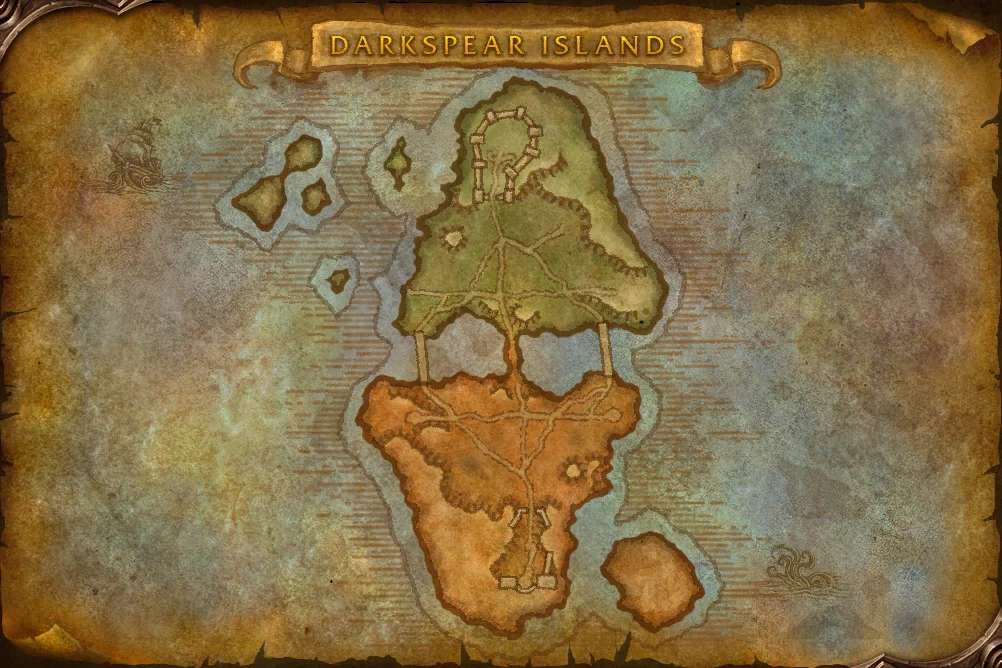
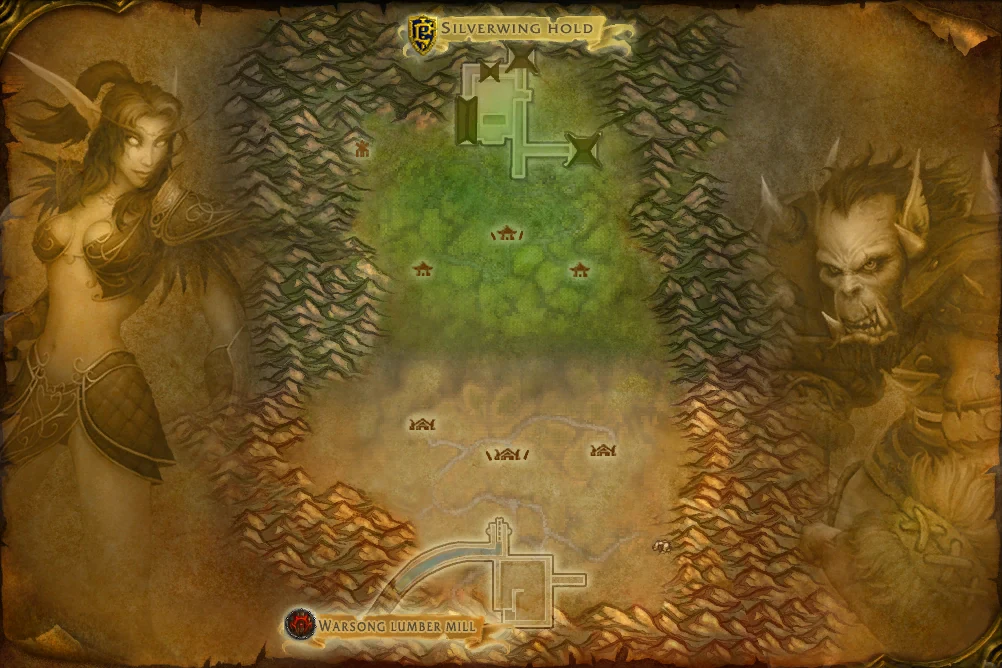
Official briefing published October 7, 19:00 UTC (October 8 in UTC+8); checked October 8. Blizzard's Darkspear Islands briefing gives these rules for the battleground off Dustwallow Marsh. The separate client map shows its layout; the announcement supplies the rules.
| What to read on the battlefield | Announced rule |
|---|---|
| Teams and level range | 15 players per side; levels 30–60 |
| Capture points | Four bases; holding more increases point income |
| Central flag | Deliver it to a base your team controls for additional points |
| Winning score | The first team to reach 2,000 points wins |
Choose an announced queue option
| Where to begin | What Blizzard describes |
|---|---|
| A major capital city | Speak to a battlemaster |
| Horde: Merchant Coast, Barrens | Darkspear Raiders base, with a portal into battle |
| Alliance: Northwatch, Barrens | Theramore Expeditionary Force base, with a portal into battle |
Check the announced queue or portal option in your current client before making the journey. The announcement does not provide exact coordinates or a transport timetable.
Use the rules to make a team plan
Our planning steps, based on those rules rather than a tested match:
- Check ownership before choosing a flag destination. A nearby base is not enough: the delivery base must belong to your team.
- Name the jobs in the group plan. Say who is watching a held base and who is escorting the flag. Ask for an ownership check if the intended delivery base changes hands.
- Compare the scoreboard with your plan. Base income and flag delivery both contribute. The announcement gives no exact income rates or flag score, so it cannot establish an optimal allocation of players.
For example, if the planned delivery base is lost, check for another friendly base before continuing that plan. This is our interpretation of the stated delivery condition, not a verified route, timing measurement or ranked strategy.
Dalaran: dungeon access does not grant a safe city stop
Official update · Kaivax / Blizzard · October 15 development notes · posted October 16, 00:15 UTC (October 15 PDT); checked October 17.
Blizzard now says Horde characters are attacked on sight in outdoor Dalaran. The Dalaran Sewer Key questline no longer grants unrestricted city access. Access to the City of Dalaran dungeon is unaffected by this change.
| Your plan | What to do before travelling |
|---|---|
| Join the dungeon as Horde | Arrange the dungeon meeting point with the party. Keep the instance trip separate from an outdoor city visit; this change does not remove dungeon access. |
| Use an outdoor mailbox, vendor or trainer as Horde | Choose a friendly stop elsewhere. Do not plan on the sewer key making the city safe. |
| Reuse an old screenshot or access report | Check its date before following it. Earlier reports of unrestricted city access predate this official change. |
For example, a party can still plan its dungeon visit while arranging supplies at a friendly settlement beforehand. This is our travel-planning example; it does not specify an entrance coordinate or a tested safe passage through the city.
Earlier access reports
Josh Greenfield's October 9 developer clarification said full Horde city access was unintended. The earlier u/levatoralaequenasi Reddit report described access after a quest. Those are historical context; use the newer official rule above for travel planning.
Launch dungeons and raids: levels, prerequisites and landmarks
Blizzard Entertainment · Dungeon briefing and raid briefing · October 20; checked October 22.
The destination directory now uses the newer official ranges for all nine new dungeons: Excavation Site 24–29, City of Dalaran 28–33 and Krol’dok Stronghold 40–45. The October 1 testing note below retains Excavation Site’s older 26–31 range. These are dated activity guidelines, not measured entry thresholds or a new test cap.
Before the dungeon journey
| Destination | Newly published detail | Our preparation step |
|---|---|---|
| City of Dalaran | Alliance: An Alarming Request, Emissary Jacques, Southshore. Horde: Key to the City and Prison Break-In, Magus Wordeen Voidglare, Tarren Mill | Compare each member’s quest journal before meeting at the dungeon; keep Horde outdoor city restrictions separate. |
| The Drowned City | Off Stranglethorn, west of Grom’gol; the entrance is underwater | Agree on the coastal meeting place before diving; this is an orientation description, not a plotted coordinate. |
| Shaper’s Terrace | Northern Un’Goro; local power crystals can be used at consoles | Check the group’s gathered crystals before the journey. The briefing gives no minimum quantity. |
Choose the raid before the meeting point
All three are announced for December 9, at level 60.
| Raid | Players | Published location or prerequisite |
|---|---|---|
| Barrow Deeps | 10 | Connections through Mount Hyjal, Winterspring and Blackmaw Hold; choose the same approach before travelling. |
| Hyjal Summit | 20 | Mount Hyjal’s summit near Nordrassil; keep this raid separate from outdoor exploration. |
| Onyxia’s Lair | 40 | Dustwallow Marsh; each player carries a Drakefire Amulet in their bags. It need not be equipped. |
Our departure check: confirm the activity and date, ask every member about the applicable prerequisite, then agree on one meeting landmark. A leader’s amulet does not satisfy the rest of an Onyxia group. Neither briefing supplies entrance coordinates or confirms that these launch activities are currently open in test.
October 14 video: four dungeon landmarks
Blizzard Entertainment · World of Warcraft · Launch Dungeons video · October 14, 17:00 UTC (October 15 in UTC+8); checked October 15 against the official English captions.
| Dungeon | Video time | What the official briefing describes | Use it when preparing the group |
|---|---|---|---|
| Hall of Thanes | 0:27–1:24 | Beneath Ironforge's throne room; patrols move through the halls, and defeating the first boss opens the deeper section | Treat the throne room as an orientation landmark. Have the party pause before each pull and check passing patrols before moving onward. |
| Ruins of Lordaeron | 1:30–2:11 | Most of the castle-and-ruins dungeon is outdoors; fog and shadows affect visibility | Agree on an open, well-lit place for each pull so the group can keep enemies and the healer in view. |
| Excavation Site: Wetlands | 2:25–3:05 | Water crossings and tall grass, with several raptor types including stealthed ones | Choose a visible crossing and a regrouping point together. Keep the healer's stopping place outside the grass rather than reading an unmarked patch as empty. |
| City of Dalaran | 3:16–3:34 | A dungeon approach through the sewers, followed by fighting toward the streets and unlocking city quests from within | Use this newer description to distinguish the dungeon approach from a normal city visit; check the separate city-access clarification before relying on services. |
Turn the briefing into a short party plan
- Pick the activity first. Search the full dungeon name in the destination index. The video's launch overview does not replace the dated beta testing list or announce a new level cap.
- Agree on two landmarks. Name one meeting place before entry and one visible room, stairway or open area where everyone will regroup inside. The video gives context, not entrance coordinates.
- Check before the next move. After a crossing or cleared pack, confirm that everyone is present and that the healer is ready. Compare the actual scene with the selected dungeon map and floor.
Keep Dalaran dungeon progress separate from any promise of full city-service access.
October 8: Dalaran testing and map changes
Blizzard Entertainment · Kaivax · test development notes · October 8, 21:32 UTC (October 9 in UTC+8); checked October 9.
| Where you are going | What the update changes | What to do before leaving |
|---|---|---|
| City of Dalaran dungeon | Added to beta testing | Search Dalaran in the destination index, then confirm the dungeon name and meeting landmark with your party. These October 8 notes give no level range; the October 20 briefing now lists 28–33 and faction quest starters, without coordinates. |
| Excavation Site — Wetlands | Titan Relic is returned for the follow-up quests | Use the updated hand-in checklist. Check your own journal and inventory before planning another clear. |
| Darkspear Islands | The misplaced Shipwreck Cove capture point was corrected | Compare the objective shown in your current client with the battlefield. This fix does not publish a replacement coordinate for our map. |
| Desolace | The Gelkis/Magram chain beginning with Valley of Bones now requires level 35, previously 30 | Check the requirement before travelling for that chain. This applies to these quests, not the entire zone. |
| Barrens and Orgrimmar quests | The Principal Source and Hidden Enemies receive map markers | Select the exact quest in your log before following the client marker. |
For a Dalaran group, write the full dungeon name in the invitation, ask each player to confirm the client update, and agree on one visible meeting landmark. The October 14 video now describes the sewer approach, but it does not supply a door coordinate or validate an old-version route. Before planning a city stop, read the October 9 access clarification.
The update also raises dungeon creature XP by approximately 20% and restores individual-level calculation when a party kills lower-level enemies. The existing no-XP rule for a vastly over-levelled party member remains. These changes do not establish a 20% increase in total run rewards or measured XP per hour; compare your group's actual kills, quests and travel time separately.
Plan dungeon travel after the October 1 update
Official update dated October 1; checked October 3. Blizzard's development notes raise the test level cap to 30 and name these additions to dungeon testing:
| Dungeon | Official level guidance | Use it in your plan |
|---|---|---|
| Excavation Site — Wetlands | 26–31 | Historical October 1 testing range; the October 20 launch briefing now lists 24–29 and supplies the directory’s newer reference. |
| Razorfen Downs | 25+ | Keep the full name in the group plan; Razorfen Kraul is a separate dungeon. |
| Uldaman | 30+ | Compare each character's level and readiness rather than treating the plus sign as a tested minimum-entry rule. |
For Excavation Site, search Wetlands or Excavation Site in the directory and expand its onsite note. Then ask the group to confirm one visible entrance landmark in the current client, check individual quest prerequisites, and agree where to meet. Read the dated quest hand-in check before returning for rewards. A level range helps shortlist an activity; it does not locate the entrance or describe boss difficulty.
The week-one filter deliberately retains the September 17 announcement. It is a historical view, not the full October testing list.
Check Excavation Site quest hand-ins
Official update: October 8; checked October 9. Kaivax's development notes say Titan Relic is returned after Elder Knowledge or Lost Relic Carry for the follow-ups Earthen Echo or Prehistoric Prism, so a second relic is not needed.
- Match the exact quest pair. Compare your current quest title with the first and follow-up quests above.
- Check the returned item. After the hand-in, inspect the journal and bags before assuming another dungeon clear is necessary.
- If an older character is still missing the relic, record its state. Keep the client build, quest titles and inventory screenshot with an in-game report. The announcement does not specify automatic restoration for every already-affected character.
Earlier October 3 reports by Betaateb on Reddit and the Prehistoric Prism player thread describe the missing-item problem before this official update. They remain historical reports, not the current basis for claiming the hand-in is still broken.
Check dungeon tasks and travel in your client
Community tools. Dungeon Scout and SlipStream were checked September 29; Shortest Path Forever was checked October 2. They address different parts of a trip. Choose a tool for the part of the journey you need help with, then check its file version and settings.
| Your immediate problem | Tool to examine | What the author describes | Check before relying on it |
|---|---|---|---|
| Which quests or prerequisites am I missing before a dungeon run? | Forever Dungeon Scout, originally Fiveever Dungeon Guide | Quest-log comparison, prerequisite steps and map markers | The author's September 27 post warns of Classic placeholders in some higher-level dungeons. Compare with your own journal and current client. |
| How do I get to a named inn, flight point or dungeon? | Vamoose's SlipStream | Searchable destinations and travel steps using walking and transport | The author reports testing some routes while limited to level 20. This does not verify every route, faction restriction or entrance. |
| How do I plan from a point I clicked on the map? | Shortest Path Forever | A journey combining walking and transport | Review faction settings and distinguish a synced departure from an estimated wait. |
| How do we discuss a route inside a dungeon? | Forever Instance Maps checks | Floor selection, route drawings and party sharing; 1.52 adds a Wetlands dungeon map | Confirm the dungeon and floor. The author says Wetlands boss locations are still missing; a drawing is not a verified safe route. |
The Dungeon Scout announcement was published September 27 and subsequently updated with the new name. Its project page showed 0.7.2-beta, Forever 1.60.1, on September 29 and documents /fds to open the guide. The SlipStream announcement is dated September 28; its CurseForge listing showed v2.1.0, Forever 1.60.1, when checked September 29 and documents /vss to open navigation. These are dated file listings and author-documented commands, not compatibility tests or promises of the latest version.
Four checks before the party leaves
- Match the installation and destination. Record your client build and the addon version. Use the addon installation checklist to locate the Forever installation, then select the full dungeon or place name. Similar names in the destination index do not establish an entrance position.
- Check each character's preparation. Compare the displayed quest steps with each player's journal, including unfinished prerequisites. Use the actual in-game share prompt to check eligibility; one party member's accepted quest does not establish that everyone can receive it.
- Verify the first leg before following the rest. Compare one named NPC, landmark or entrance with what your client shows. If the name or position disagrees, record the build and screenshot and pause that route. A marker in a community addon is not independent evidence for changing this site's map.
- Agree on a visible meeting landmark. Share the area and landmark name rather than an assumed pin. For a boat trip, separately check the announced connection, the vessel's destination and your character's ability to board; a suggested route does not settle timetable or access questions.
For example, if one player has a dungeon quest and another has not completed its prerequisite, a navigation arrow only answers where to travel. Check the second player's quest chain before moving the group. If both are ready, verify the first leg and agree on the meeting landmark. This is our planning example, not a report of a completed test run.
Read a dungeon map with your party
Group/Raid Guide 1.0.1: check the floor before following a boss pin
Jammer — Exhalez (jammbam) · 1.0.1 file, October 20 · project guide and author announcement, checked October 25. The file lists Forever 1.60.1; compare a later launch client with the supported file before installing.
Open with /ig or /instanceguide, then select the dungeon, wing and floor. The author documents clickable boss markers on supported maps; missing maps can show Coming Soon, and patrol or event markers may be approximate.
| What you see | What to check next |
|---|---|
| No map, or Coming Soon | Check the selected dungeon and wing. Missing artwork alone does not mean the activity is closed; compare the official level and prerequisite guide. |
| The boss is not standing on the marker | Match the room and floor first, then check the visible patrol. Agree on a doorway or stairway with the party before moving. |
| The window covers the room you need to see | In 1.0.1, drag the map title bar to move it; drag its bottom-right corner to resize, without Shift. |
For example, if a marker appears beside a staircase, confirm which floor everyone selected before searching another room. Keep the marker as a planning aid until you can identify the encounter in game. These are author-documented controls, not a launch-client test by this site.
Forever Instance Maps 1.52: draw and share a short route
Community release, checked October 6. R0yalFluffy's 1.52 release notes list ForeverInstanceMaps_1.52.zip, released October 4, with Forever 1.60.1 labels. The project documentation describes a minimap launcher, floor selection, movable map windows, route drawing and party or raid sharing. Check the file’s supported client build before installing.
New in 1.52: an Excavation Site: Wetlands map. The author explicitly says that boss locations are still missing and will be added when known. Use the layout to discuss rooms and landmarks with the party; an absent boss label does not mean the room has no boss. This community map does not establish entrance coordinates, boss positions or a safe pull sequence.
If the Wetlands map does not appear in your installed copy, first compare the addon version with this dated 1.52 file record and check the Forever installation directory. A missing map in an addon is not evidence that the dungeon is closed. Use Blizzard's October 1 testing list for the separately announced level guidance.
Our checklist for discussing a route:
- Select the exact dungeon and floor. A level filter helps find a map; it does not establish that your character can enter. Use the dated testing list separately.
- Agree on your starting landmark. Compare a visible doorway, stairway or room with the selected floor. Do not assume the drawing tracks your character's position. If it disagrees with the client, pause the plan and record the build and screenshot.
- Share a short plan. Ask party members with the addon to confirm the floor and starting landmark before following the drawing. A shared line does not verify enemies, a safe pull or an entrance.
For example, “from this stairway to the next room on this floor” gives the group something to compare in game. “Follow my line” leaves the starting point unresolved. Use a shared landmark to settle the starting point.
Check a community route before travelling
Mapzeroth: check the client file and sighting age
Community addon notes · tr0tsky · 0.8.2-forever file, October 18; checked October 20. The file is labelled Forever 1.60.1. The project listing separately shows 2.0.2-modern for Retail, dated October 19; a higher headline version is not the Forever package.
| What looks wrong | What the Forever file notes say | What to check before following the route |
|---|---|---|
| A ley line appears on the minimap but is not detected | Detection now recognises both Ley Line and Leyline | Check the loaded file version first; compare the minimap name and the object you can actually see. |
| A shortcut disappears after a shared report | The addon accepts Skyborne Compass reports that a node is gone; sightings are retained for 90 minutes | A retained observation is not a live presence check or a respawn timer. Confirm the node before committing the party to that shortcut. |
| The flight leg is difficult to identify | A pulsing ring highlights the route's destination flight point | Match the name in your flight master's actual window; the ring does not establish that your character has learned that flight. |
Our route check: identify the client package, read the next leg, then confirm its prerequisite in game. If a node is absent, recheck the itinerary before continuing; do not keep following an older marker merely because its report has not expired. For a boat alternative, use the boat guide to check the announced connection and verify boarding separately.
When using a node suggestion, check whether your character can reach and use the service before choosing the next transport leg.
Shortest Path Forever: flights, faction and waiting-time checks
Community release, checked October 2. Shortest Path Forever by Cillian Berragan lists v1.7.0-forever, released October 1, for Forever 1.60.1. The author documents Shift-clicking the map to plan a journey and /path to open settings.
Before committing your party to the suggested journey, work through these checks:
- Refresh your flight information. In the author's Reddit discussion, player Genoce reports that opening a flight master's map updates discovered points. If a known flight is missing, try that check before treating a longer walking route as necessary.
- Inspect the faction setting. The same player reports an opposing-faction zeppelin suggestion for a level-19 Human. Check your installed version's settings and each proposed transport stop. Check the actual setting; a suggested leg does not prove that your character can safely use it.
- Separate an estimate from a sighting. The author's documentation distinguishes unsynced services marked “no sighting yet” from guessed waits marked “leaves in about”. Verify the vessel and destination at the dock; allow extra time for the group's arrival. An estimate is not a published timetable.
- Check the arrival task separately. A route reaching the right area does not establish a dungeon entrance, quest prerequisite or current access. Use the dungeon preparation checks before declaring the group ready.
October 26: check movement traits before planning a journey
Blizzard · Kaivax · October 26 pre-launch notes and October 27 clarification, checked October 28.
Tauren Plainsrunning
Each stack now adds 2% movement speed, up to 60%; the earlier values were 1% and a 30% maximum. It no longer boosts mounted speed. Keep running and riding estimates separate.
Skyborne Skysight
- Normal burst: 15% movement speed for 15 seconds, up from 10%.
- Charged burst: using Skysight at an elemental convergence grants Charged for an hour. During that buff, Skysight gives 30% speed. Charged survives death, but entering a raid removes it.
Check the buff before using the higher value in a plan.
The hour belongs to Charged, not the active speed burst. Confirm these effects in the launch client; this announcement does not locate convergences or establish a new route.
Compare flight fares before buying a ticket
Player observation dated October 5; screenshots checked October 7. In this Reddit report, yourwifeisatowelmate shares three Forever flight-map screenshots. The post identifies these journeys and the images show these fares:
| Journey in the report | Displayed fare |
|---|---|
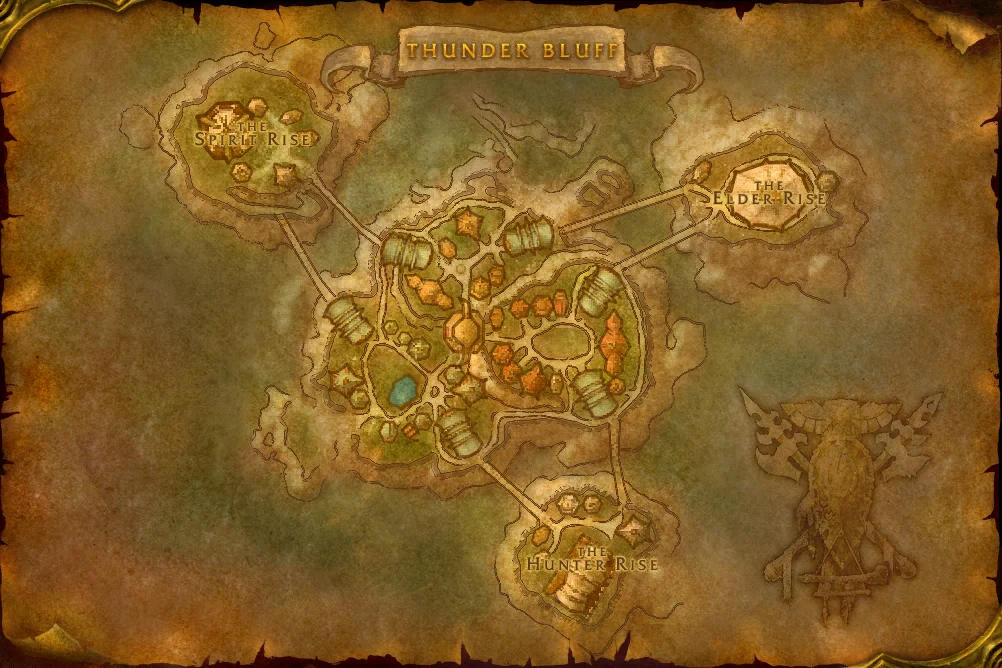
| Thunder Bluff → Ratchet, bought as one journey | 2 silver 97 copper |
| Thunder Bluff → Crossroads | 99 copper |
| Crossroads → Ratchet | 1 silver 10 copper |
Our calculation: 99 + 110 = 209 copper, or 2 silver 9 copper for the two separate tickets: 88 copper less than 297 copper in this record. Compare the quoted fares before buying tickets. The post does not specify a client build; these prices are not a promise for your character or a later build.
Before choosing a cheaper-looking option:
- Compare your own available tickets. Check the flight master's current quote and the onward connection you have discovered. If the onward fare is unknown, the comparison is incomplete.
- Add every leg in copper. Include the second ticket; a cheaper first leg alone does not establish a cheaper trip. Separate tickets also require another purchase at the intermediate stop.
- Choose price and timing separately. These screenshots show fares, not measured travel times. A straight map line does not prove the actual flight follows it. Keep your party's meeting time in view rather than assuming the cheaper tickets are faster.
This comparison is Forever Atlas editorial guidance based on one player's record. It does not confirm a flight-network bug, an official fix, coordinates or current access rules.
If the map or meeting point looks wrong
Official reports dated September 24 and October 1; checked October 3. The September 24 notes list a Stormwind minimap display issue. The October 1 update says party leaders should no longer be transferred when creating or changing a party. That narrower change does not establish that every member's instance mismatch is fixed, or that the minimap issue was resolved.
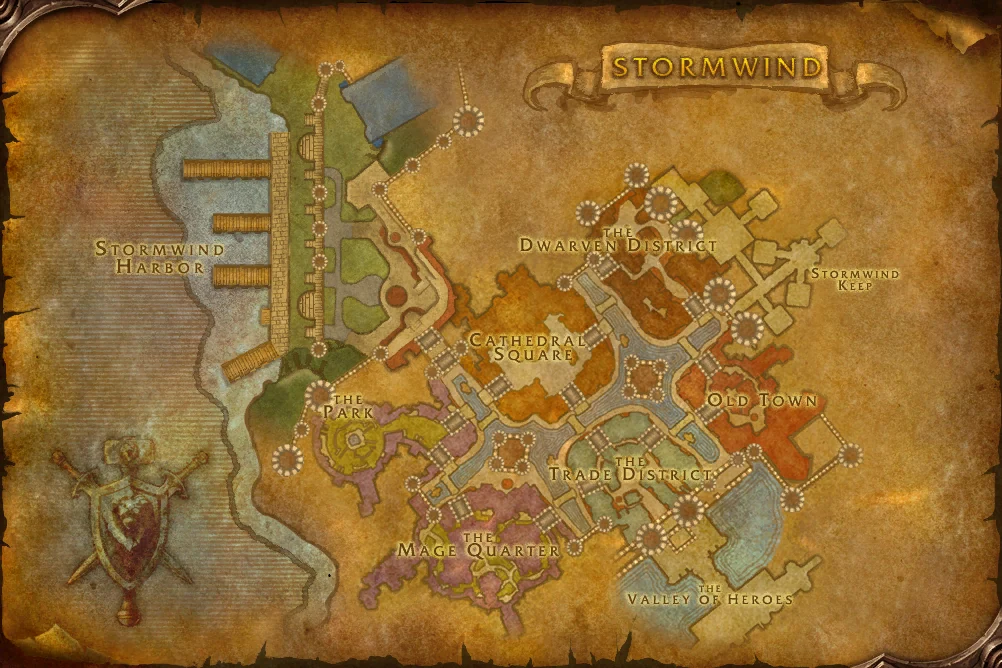
- A Stormwind minimap looks inconsistent: compare the full map, your area name and visible landmarks before deciding an entrance or dock moved. Keep a screenshot and client build with any bug report.
- Party members cannot see each other at the meeting point: compare the exact area and landmark, then note whether the mismatch began after a party change. Record those details rather than declaring the route blocked or the zone closed.
October 6 transport notice, checked October 8: Blizzard lists an occasional elevator/transport disconnect fix. If it persists, record the named transport, client build and the point of disconnect. A disconnect is separate from picking the wrong port; use the boat diagnosis. This notice supplies no new coordinates, route schedule or access rules.
What still needs an in-game check
The map art shows region shapes and labels. It does not confirm dungeon entrances, quest-giver positions, safe paths, boat timetables or whether a later beta build changed access. Community map makers describe some drawn borders and flight pins as estimates; those estimates are not copied onto these client images.
References
-
Wowhead's extracted map report and Azerothbase's map gallery
-
Dungeon Scout author's September 27 post and renamed project, checked September 29
-
SlipStream author's September 28 post and project listing, checked September 29
-
Shortest Path Forever author discussion and project documentation, checked October 2
-
October 1 Reddit dungeon-map discussion and Forever Instance Maps 1.52 release notes, released October 4, checked October 6
-
Blizzard's September 24 development notes, checked October 3
-
Blizzard's October 1 update, checked October 3
-
October 3 Reddit relic report and Prehistoric Prism player thread, checked October 4
-
October 5 player flight-fare report, screenshots checked October 7
-
Blizzard’s Darkspear Islands briefing, published October 7 UTC, checked October 8
-
Blizzard Entertainment · Kaivax · October 8 test update, published October 8 UTC, checked October 9
Frequently asked questions
Is there a complete WoW Forever world map here?
Yes. Open the Azeroth overview or the Eastern Kingdoms and Kalimdor continent maps. The collection contains 53 world, zone, city and battleground maps, with search and zoom.
Were the zone maps stitched together to make the world map?
No. The game client contains a full Azeroth image. Regional maps stay separate at their own scale; 33 have travel annotations over the original terrain. You can switch back to the original map.
How do I use the travel annotations?
Open a map and read the numbered legend for flight locations and harbors. A dashed outline marks a wider harbor area; confirm the boarding location and service name when you arrive.
How do I reach Riverglades?
Blizzard's Found Photos recap names a Steamwheedle boat connection from Tanaris to Powderfuse Port. The exact dock position, schedule and current boarding conditions still need an in-game check.